Unique Design
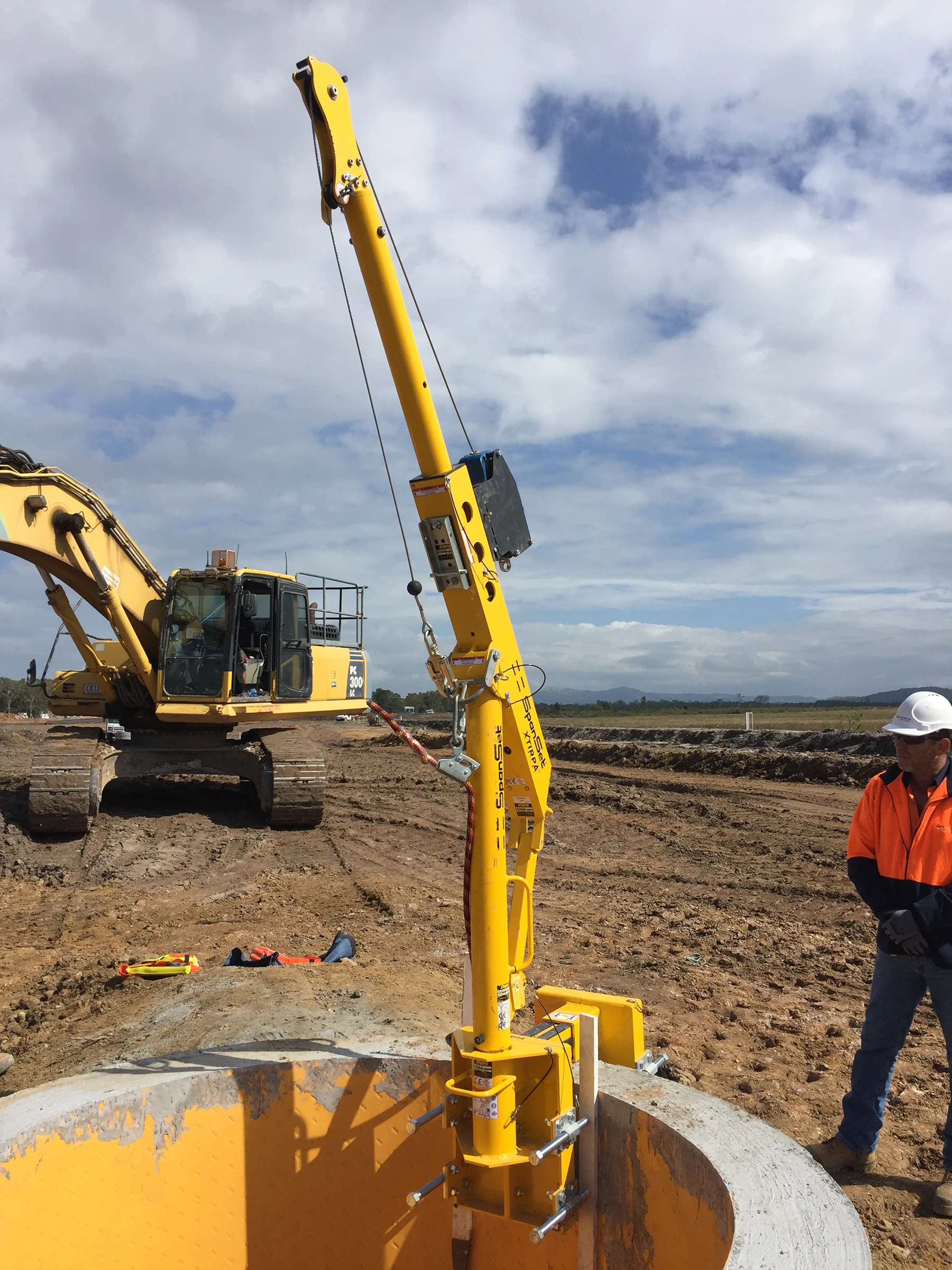
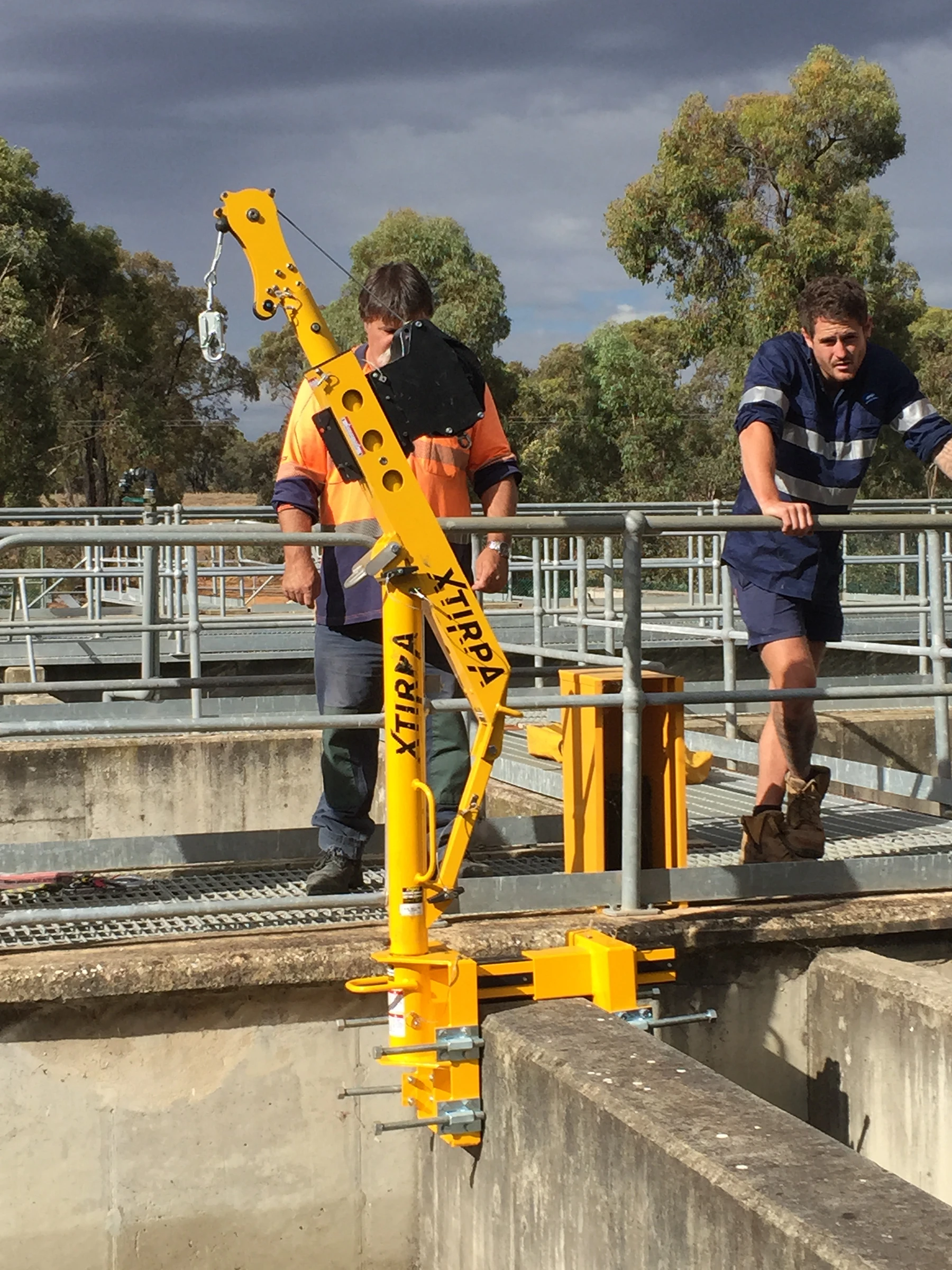
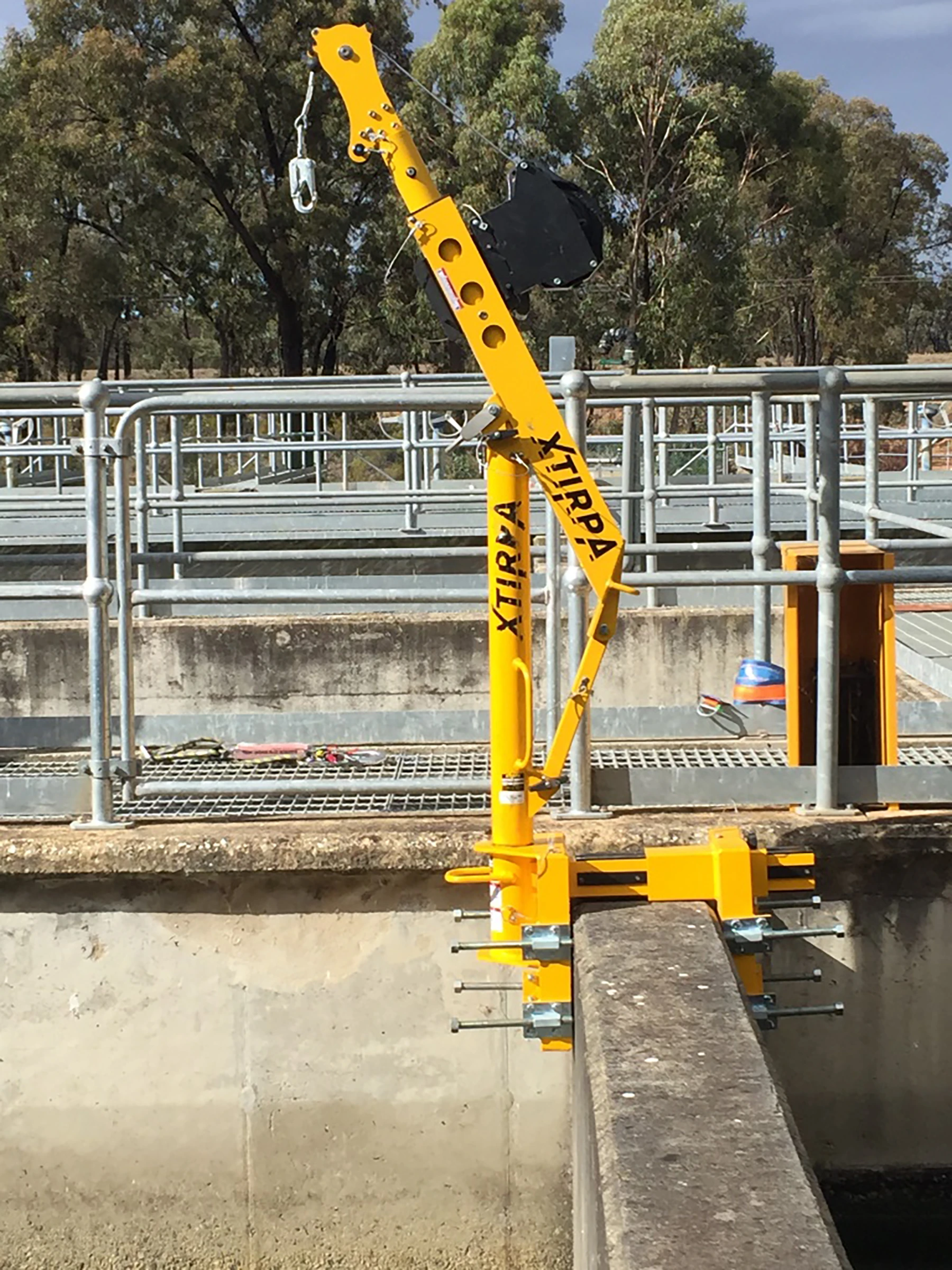
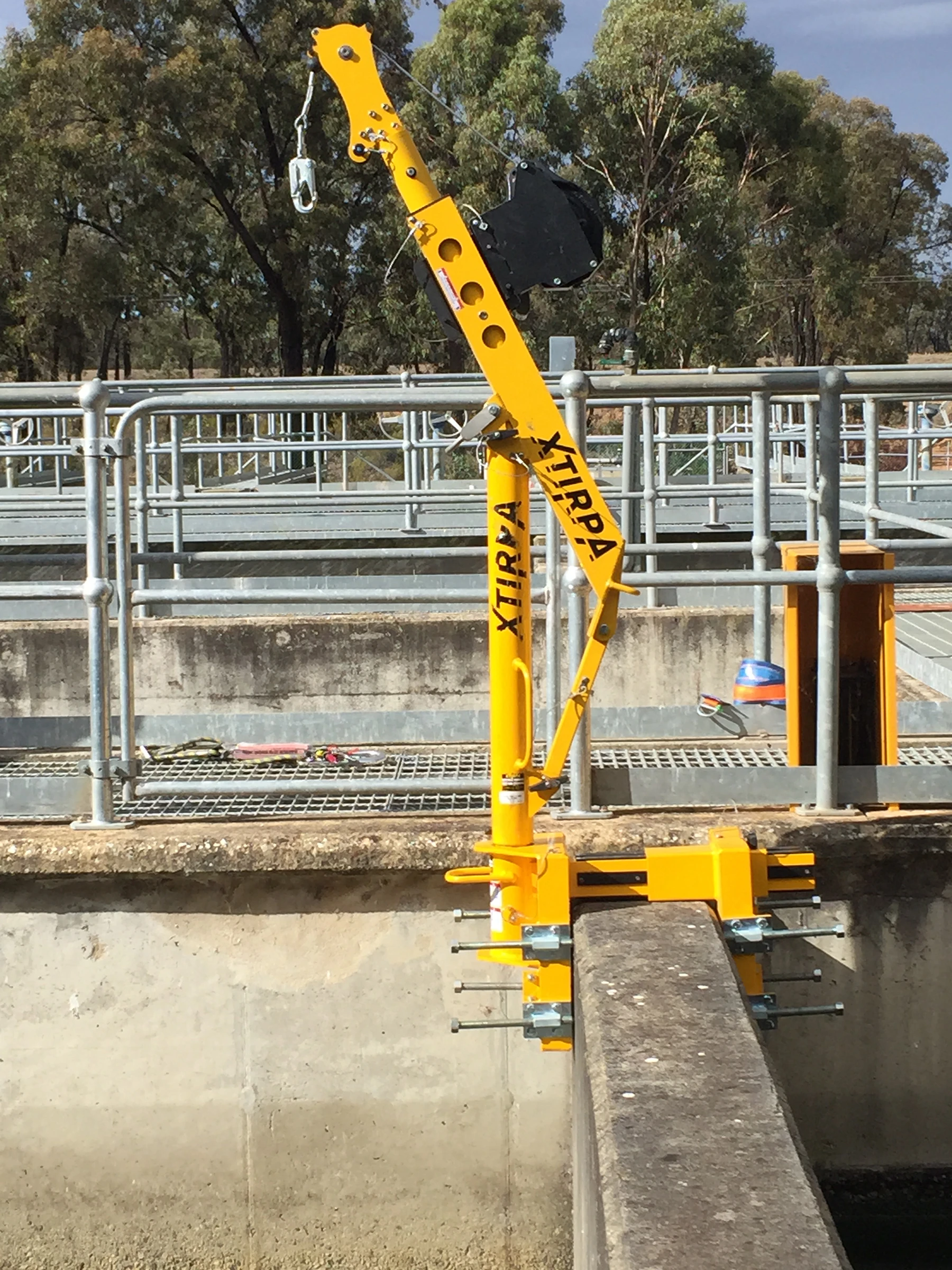
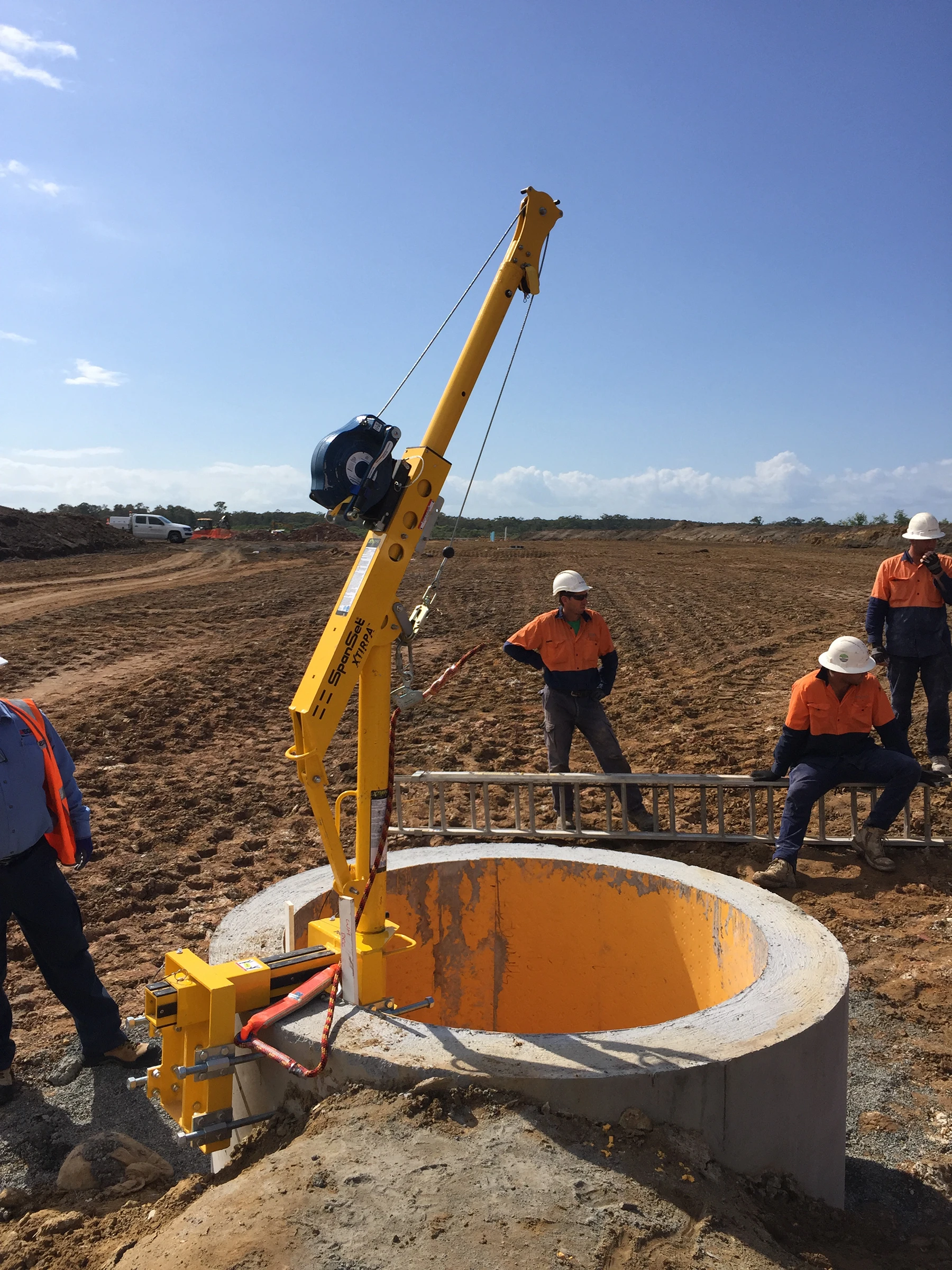
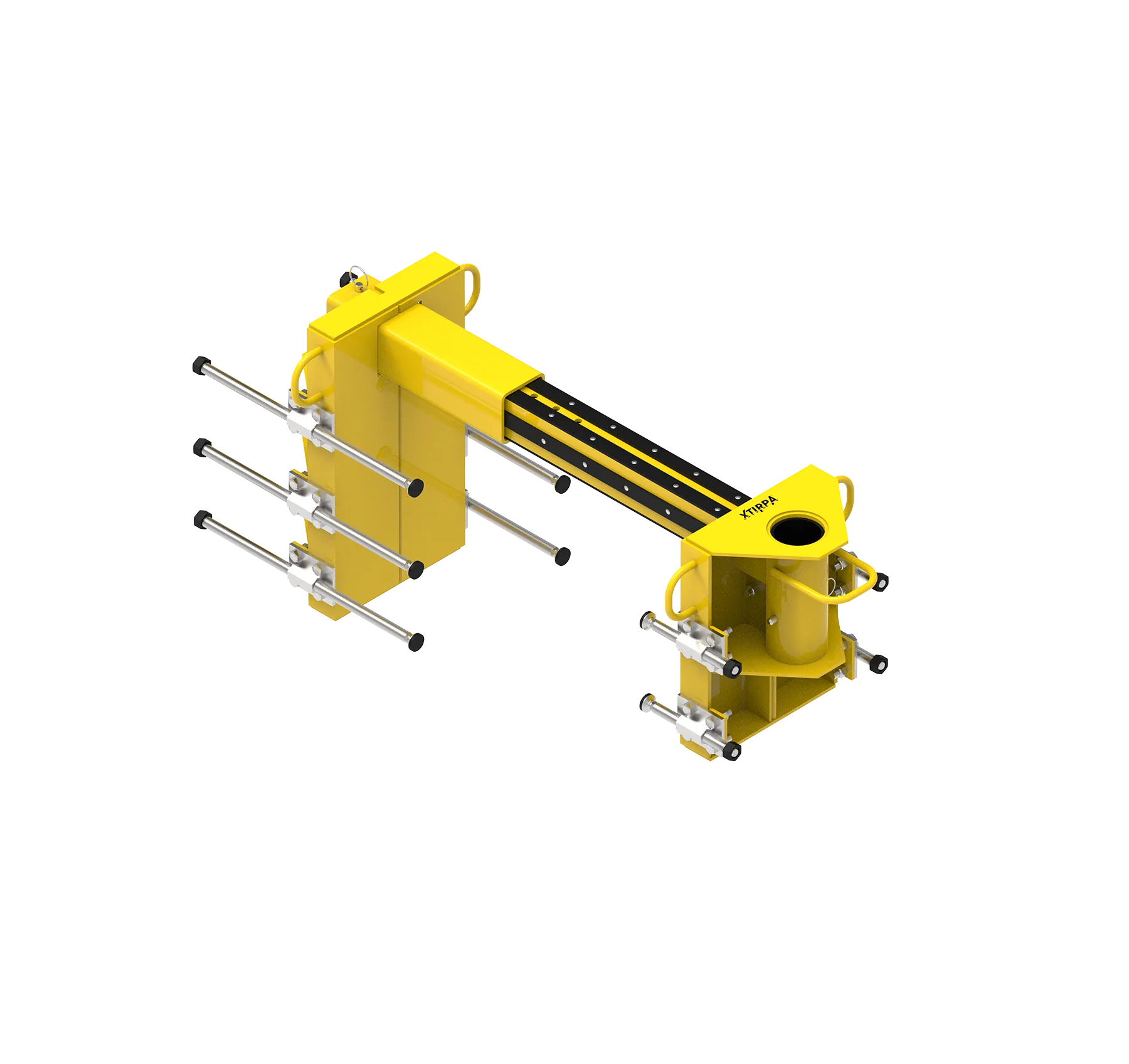
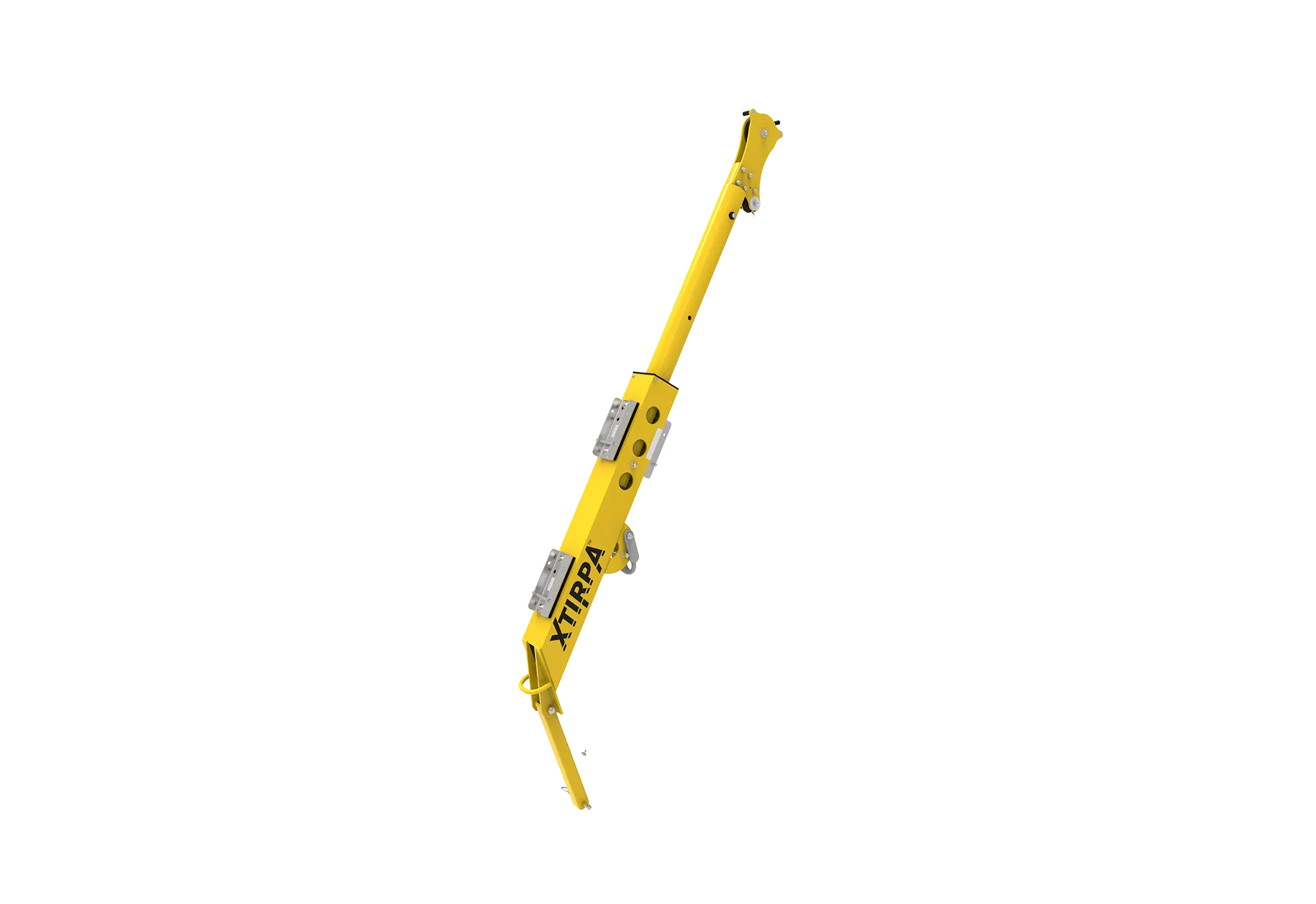
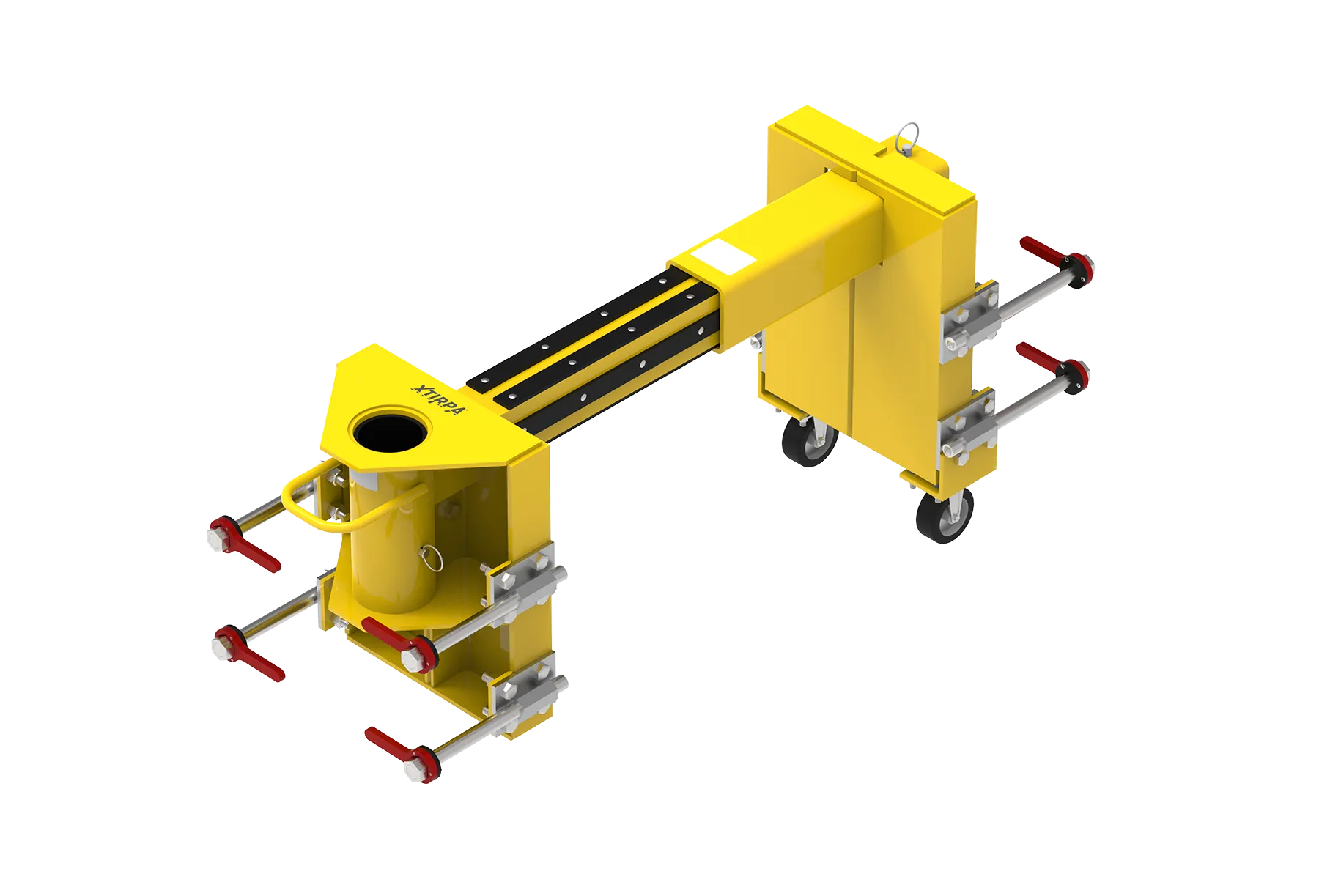
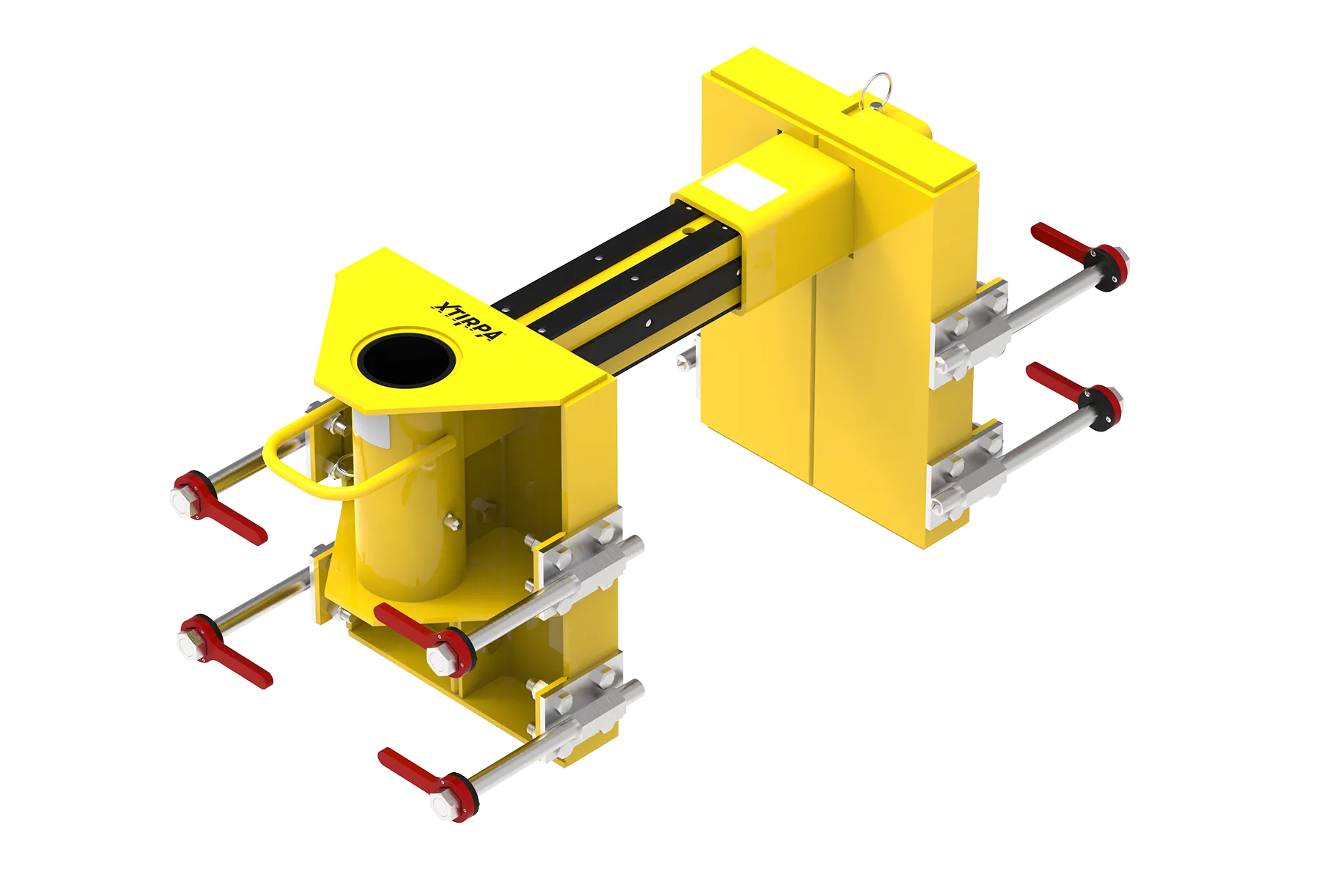
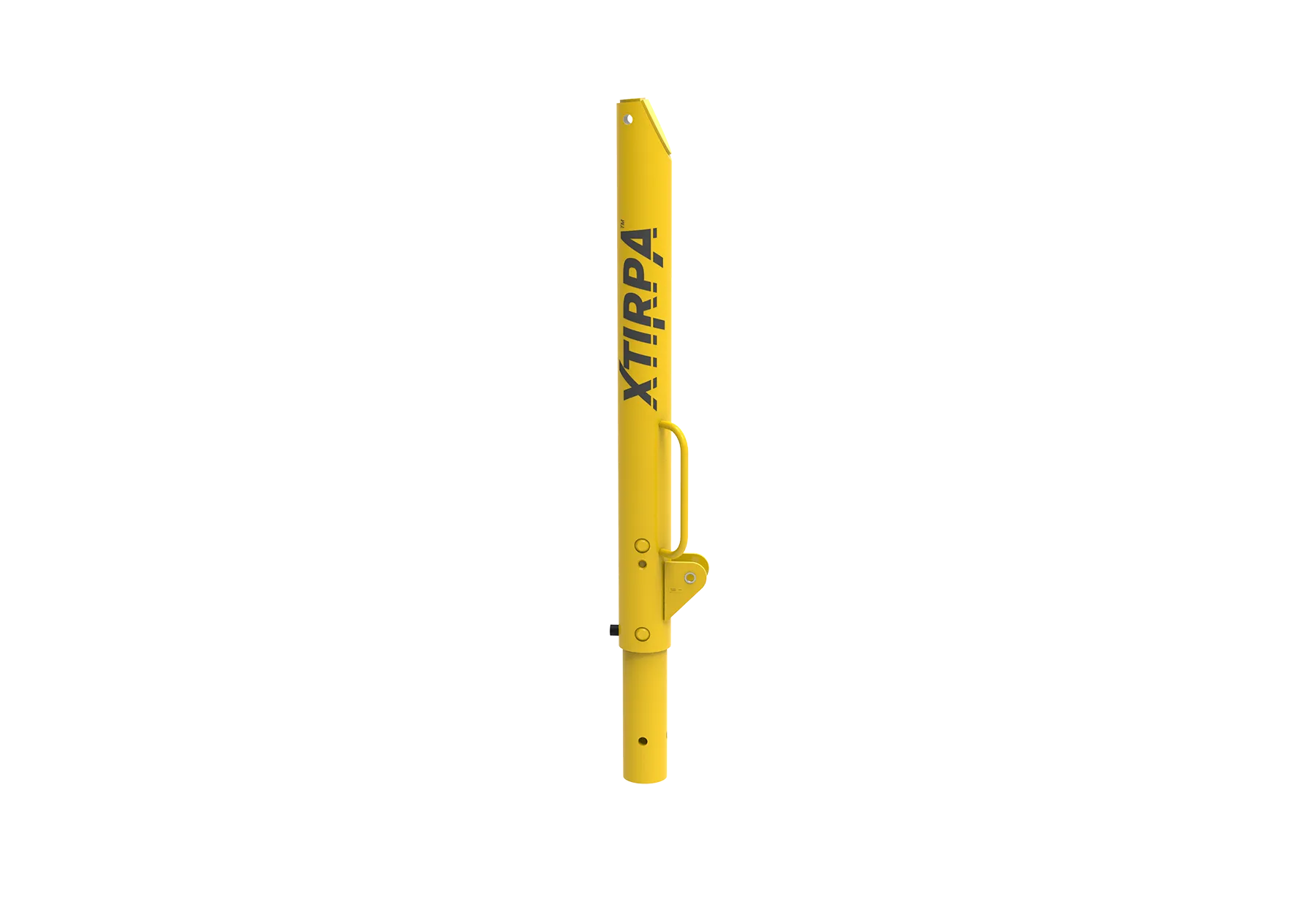
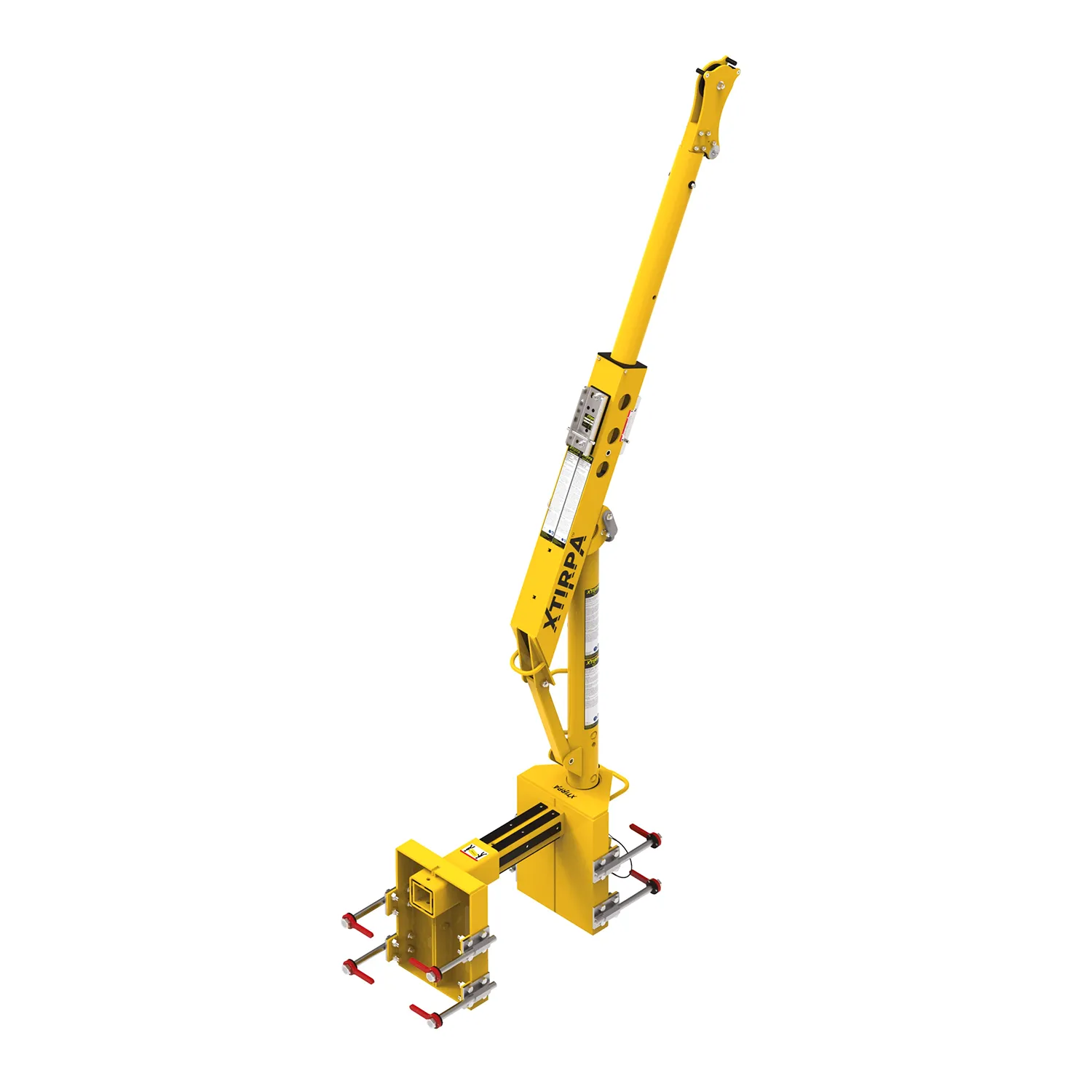
The IN-8010 system from Xtirpa™ combines an adjustable wall adapter with a mast and davit arm. Thanks to its smart design, the IN-8010 can be mounted directly—without drilling—onto various wall types made of steel or concrete. This flexibility makes it ideal for temporary operations where structural anchoring is not an option or not desired.
Strong Anchor Point for 2 Persons
The system is designed for a safe working load up to 164 kg and a breaking strength of 16 kN, complying with EN, OSHA, ANSI, and CSA standards. Certified for up to two persons under CEN/TS 16415. The steel D-anchor in the center of the davit arm has a breaking strength of 22 kN.
SRL / Winch Compatibility
The IN-8010 is compatible with various winches, including the Xtirpa™ winch IN-2477. Several mounting brackets are available for various SRL brands.
Expandable with Other Xtirpa™ Davit Arms
The IN-8010 system is designed to accommodate different types of Xtirpa™ davit arms, depending on the work situation. Whether a short, adjustable, or fixed arm is needed, the adapter provides a solid and stable base for efficient use.
Fast and Intuitive Installation
A major advantage of the IN-8010 system is the quick setup by a single operator. The adapter is manually placed onto the wall and then secured with ergonomic, heavy-duty clamping screws. No tools are required for installation or removal (depending on the model). Once secured, the adapter provides a stable mounting base for the vertical mast and davit arm.