Exceptionally Long Reach
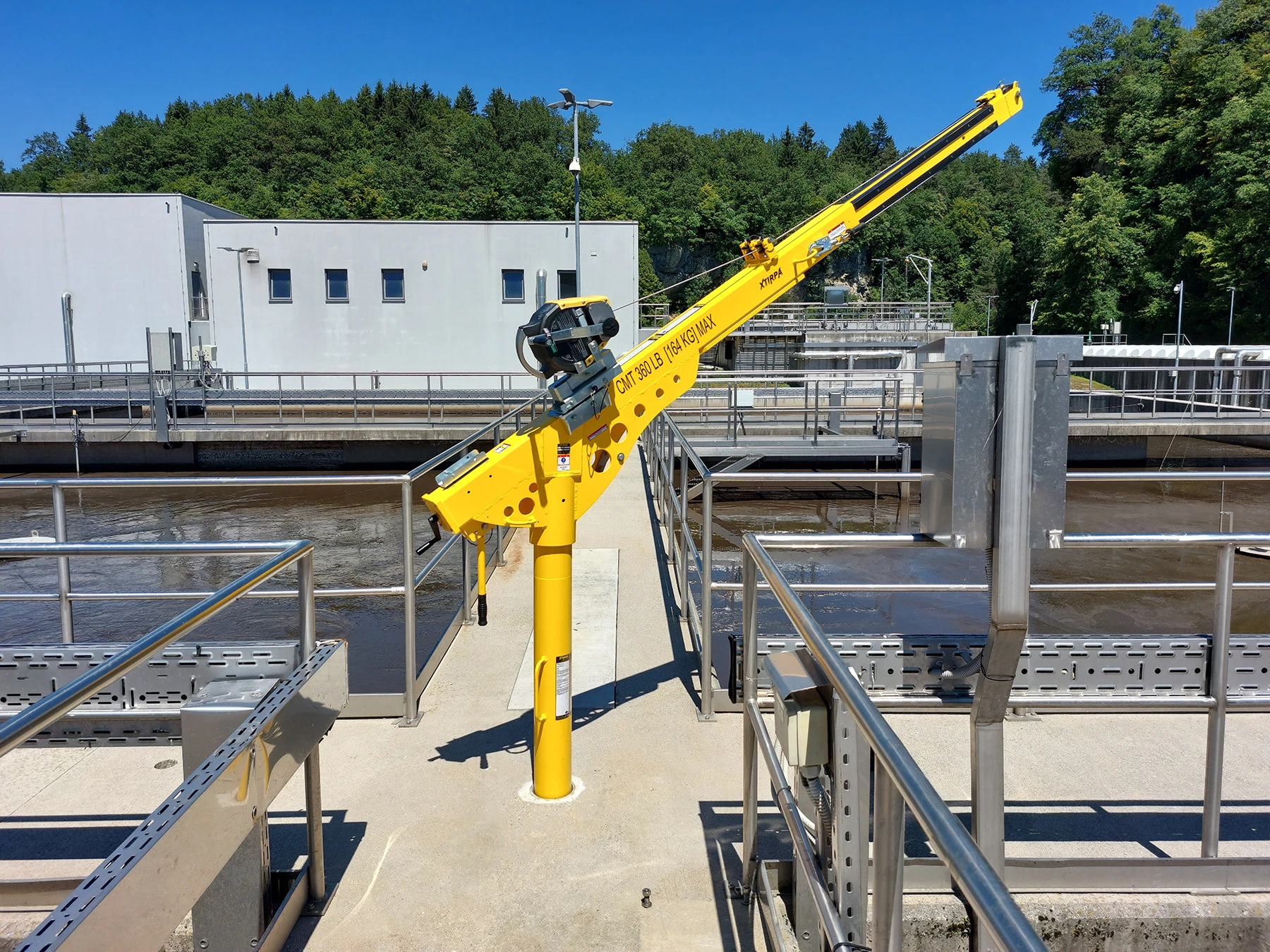
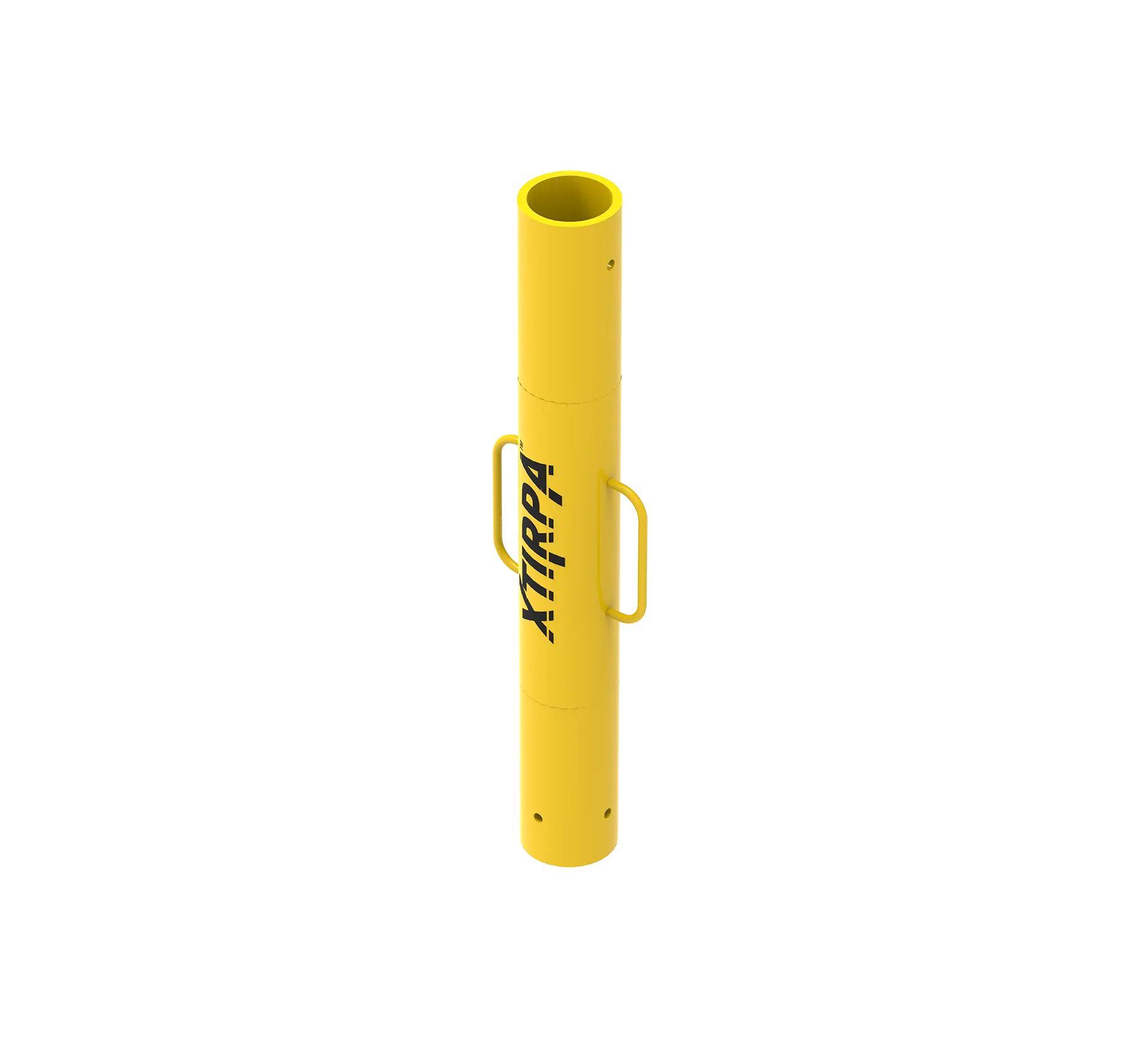
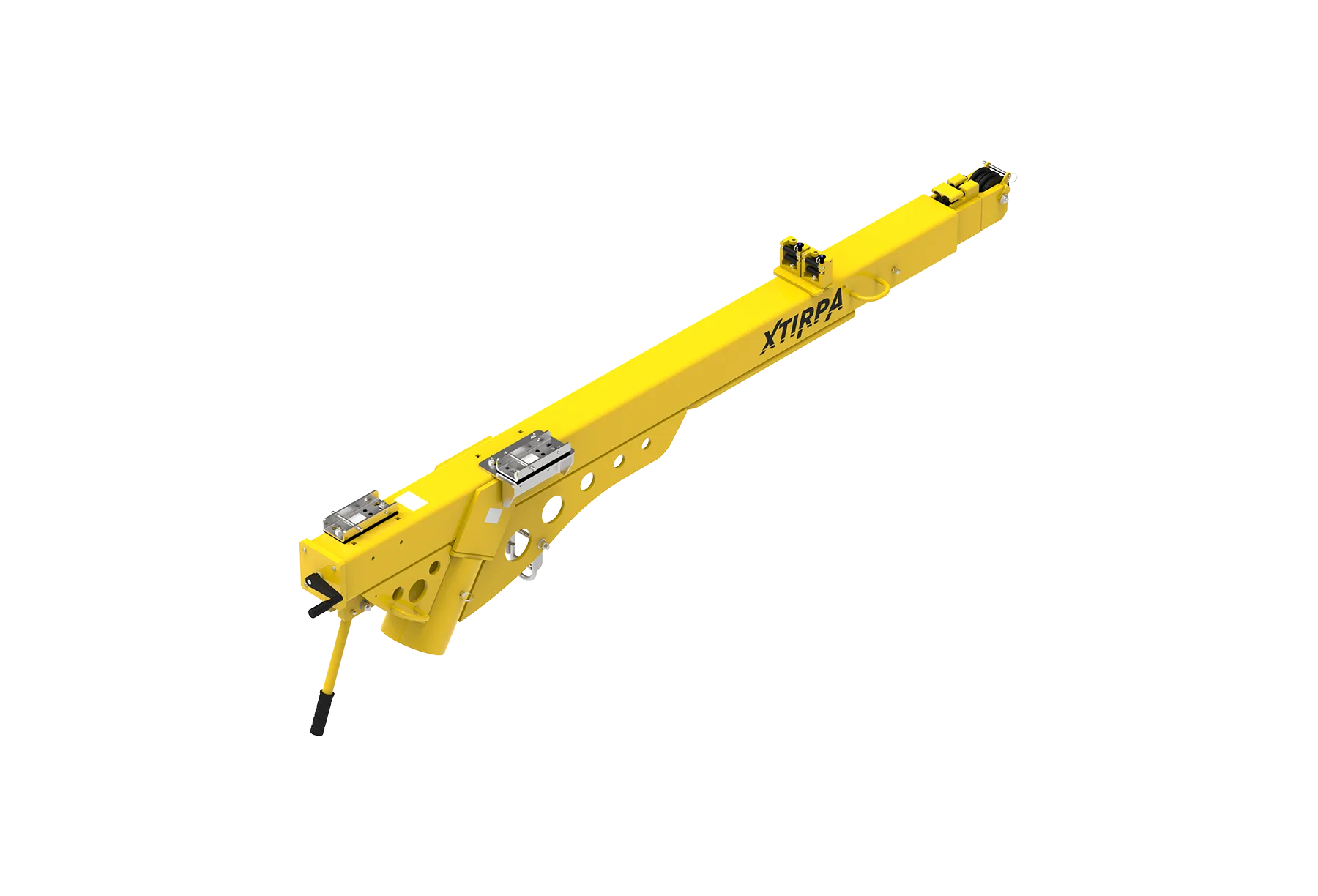
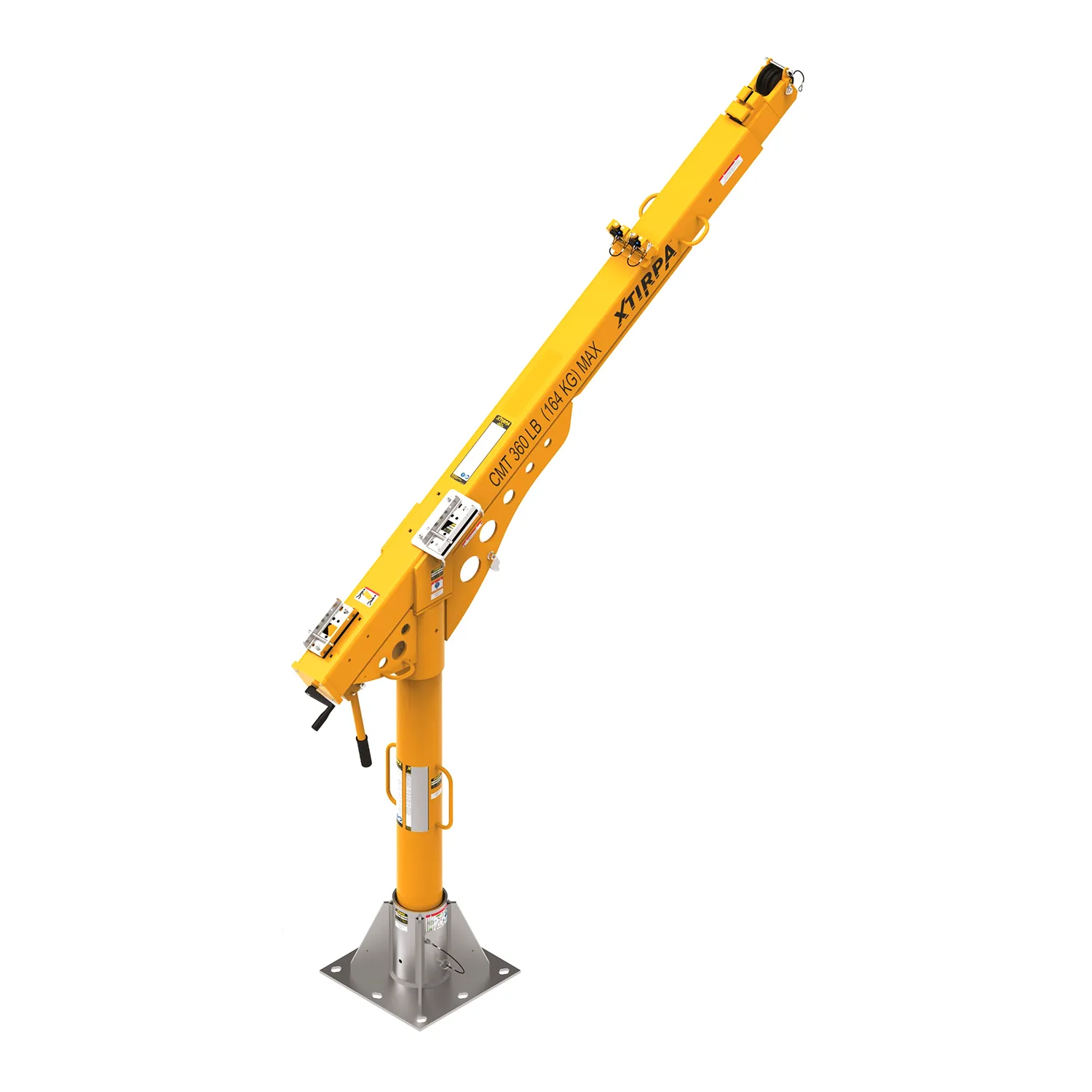
The IN-8006 is a telescopic davit arm with a fixed base, ideal for frequent work in confined spaces. The telescopic arm extends from 1.52 m (60″) to 2.44 m (96″) using a rotating handle. Once installed, the davit arm’s reach allows for safe access to multiple confined space openings.
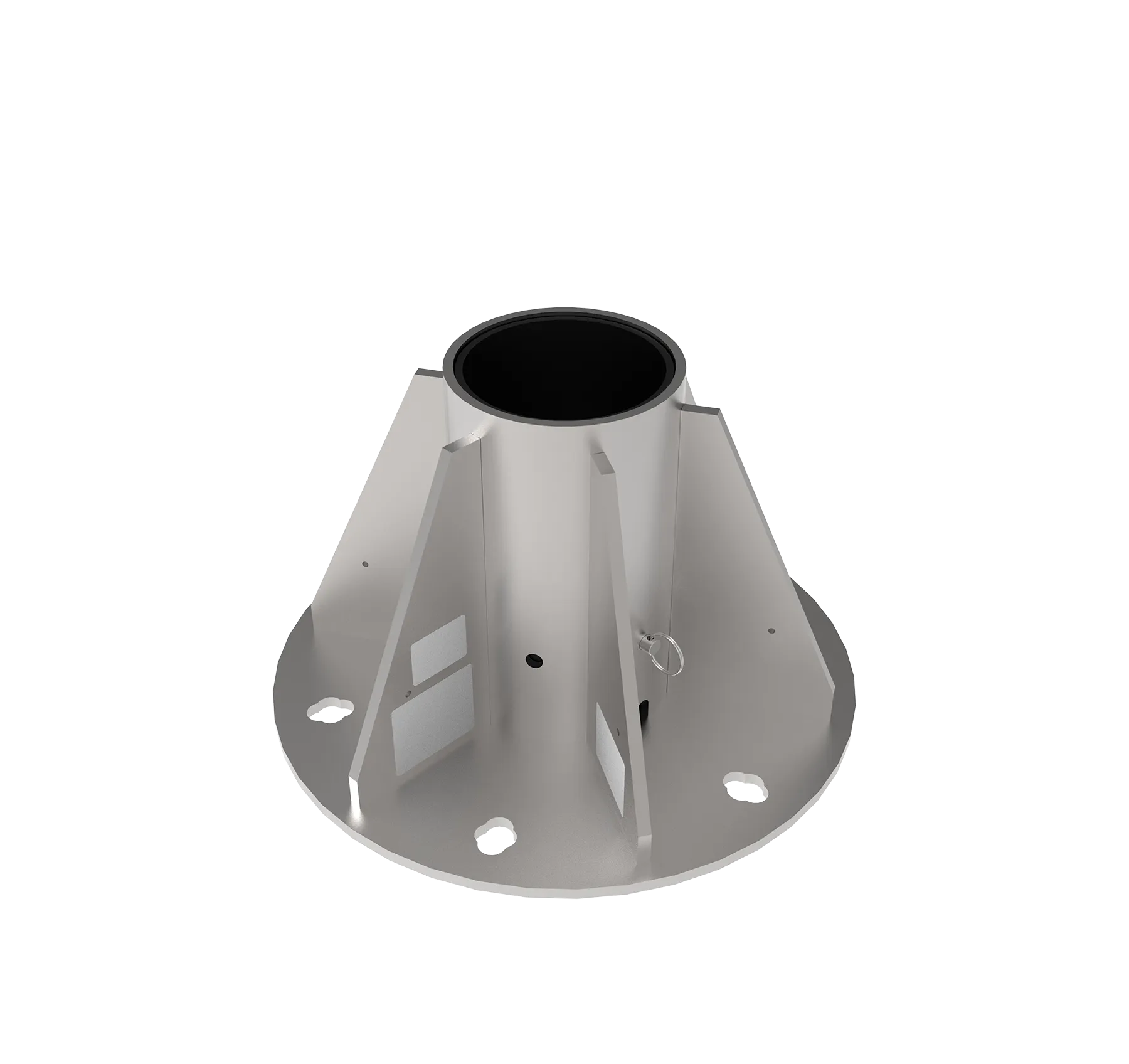
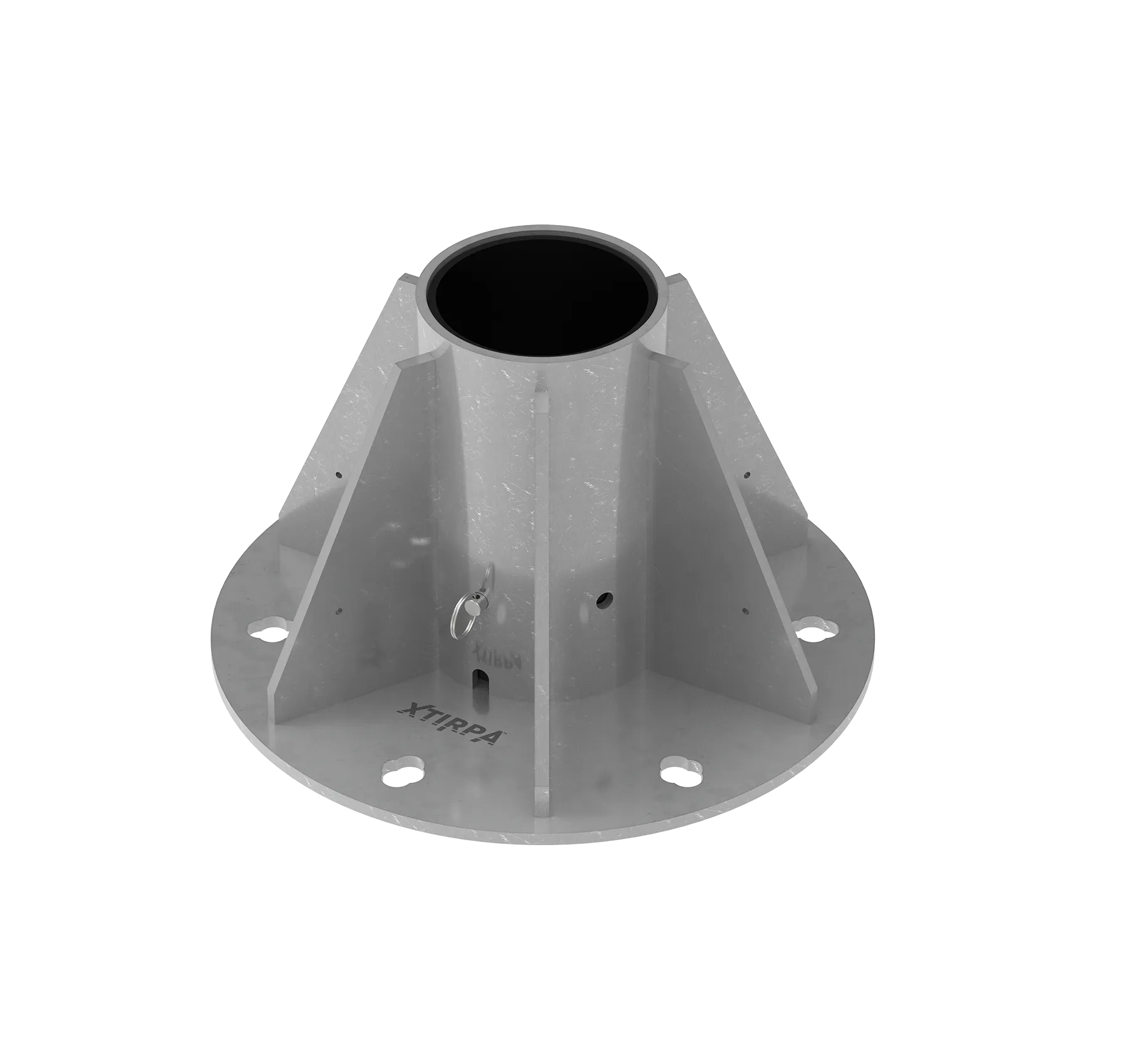
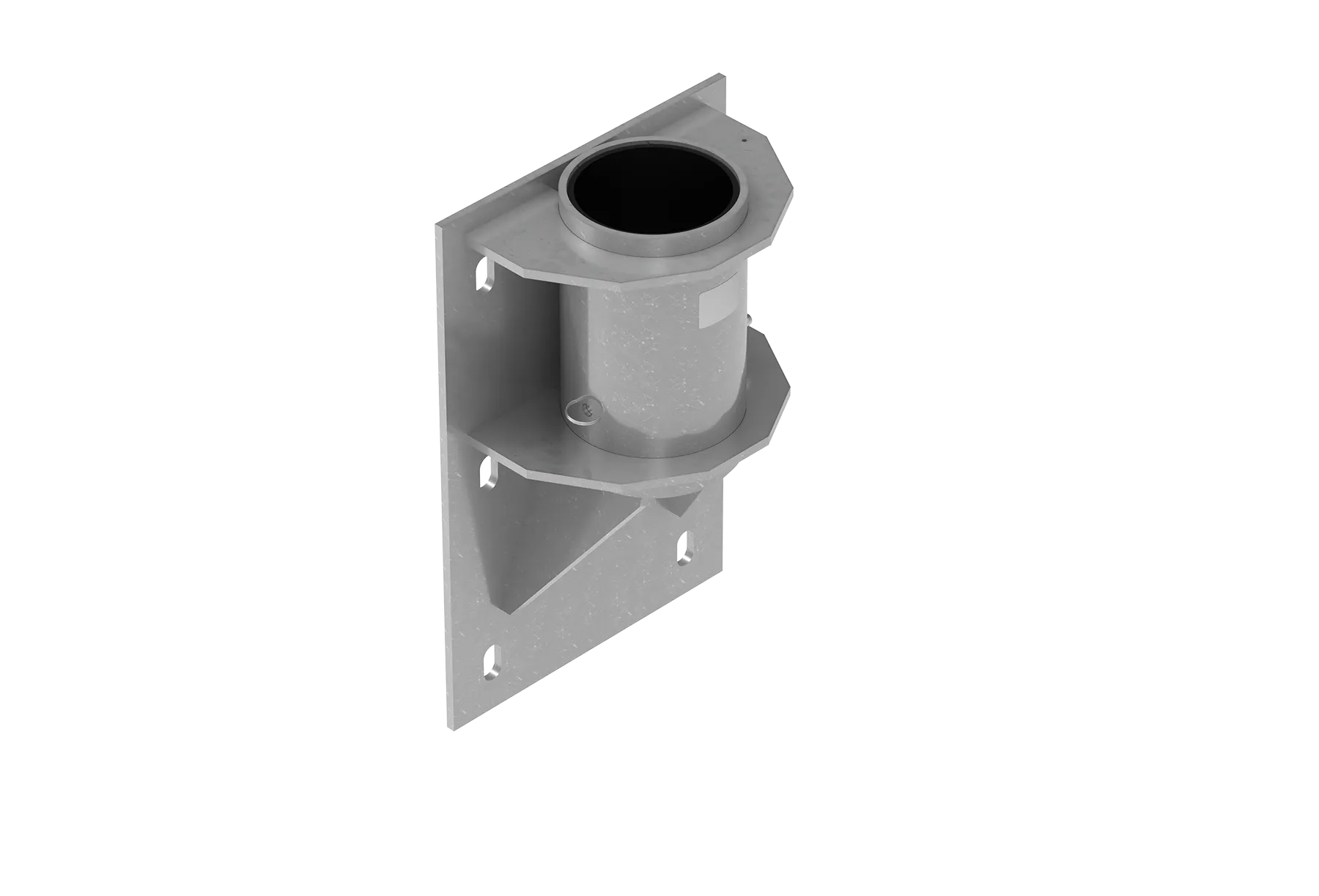
Customized Fixed Adapters
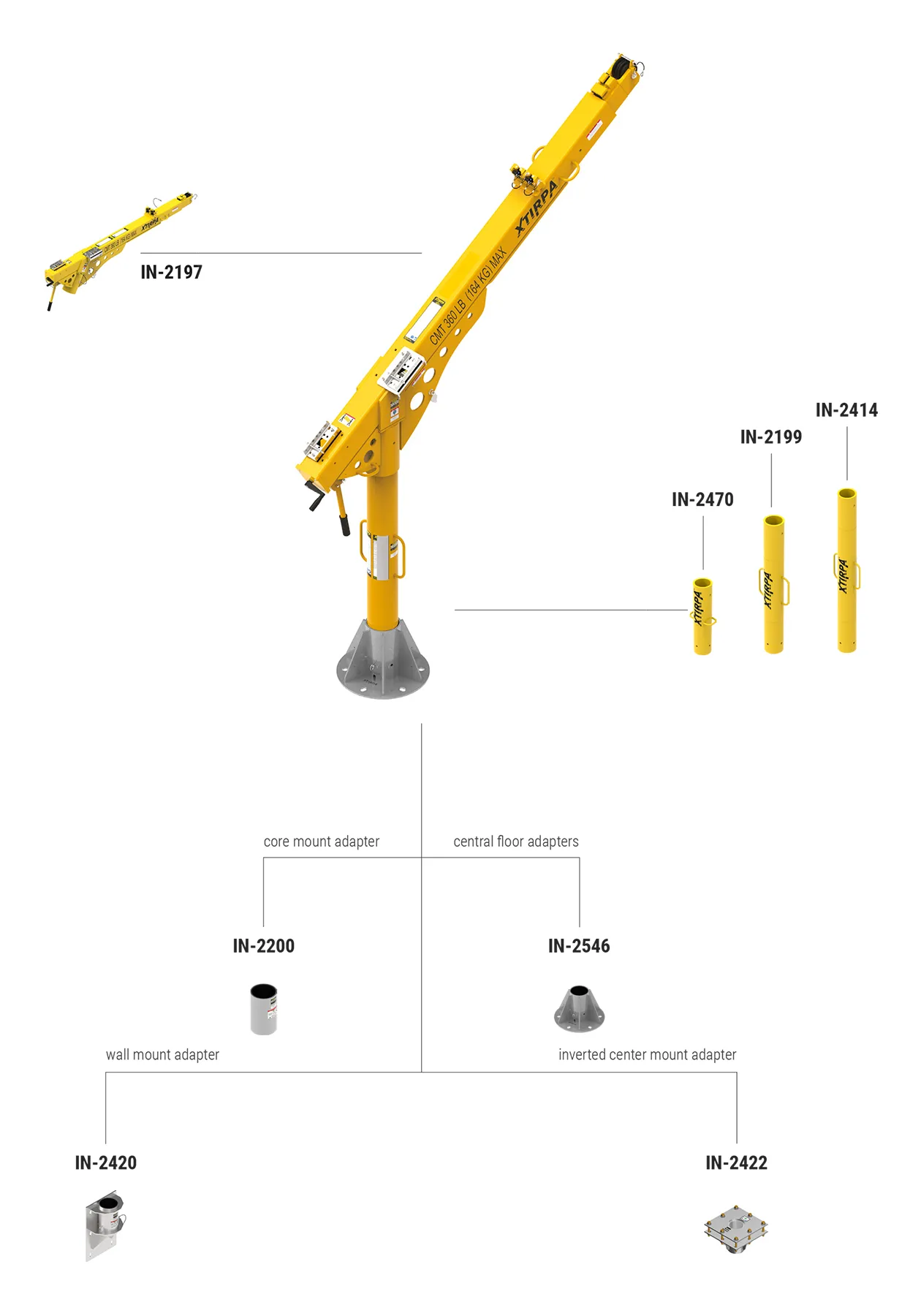
The IN-8006 system consists of the IN-2199 mast, IN-2197 davit arm, and a fixed adapter. It is ideal for vertical access in confined spaces where a fixed adapter can be anchored to the wall or floor.
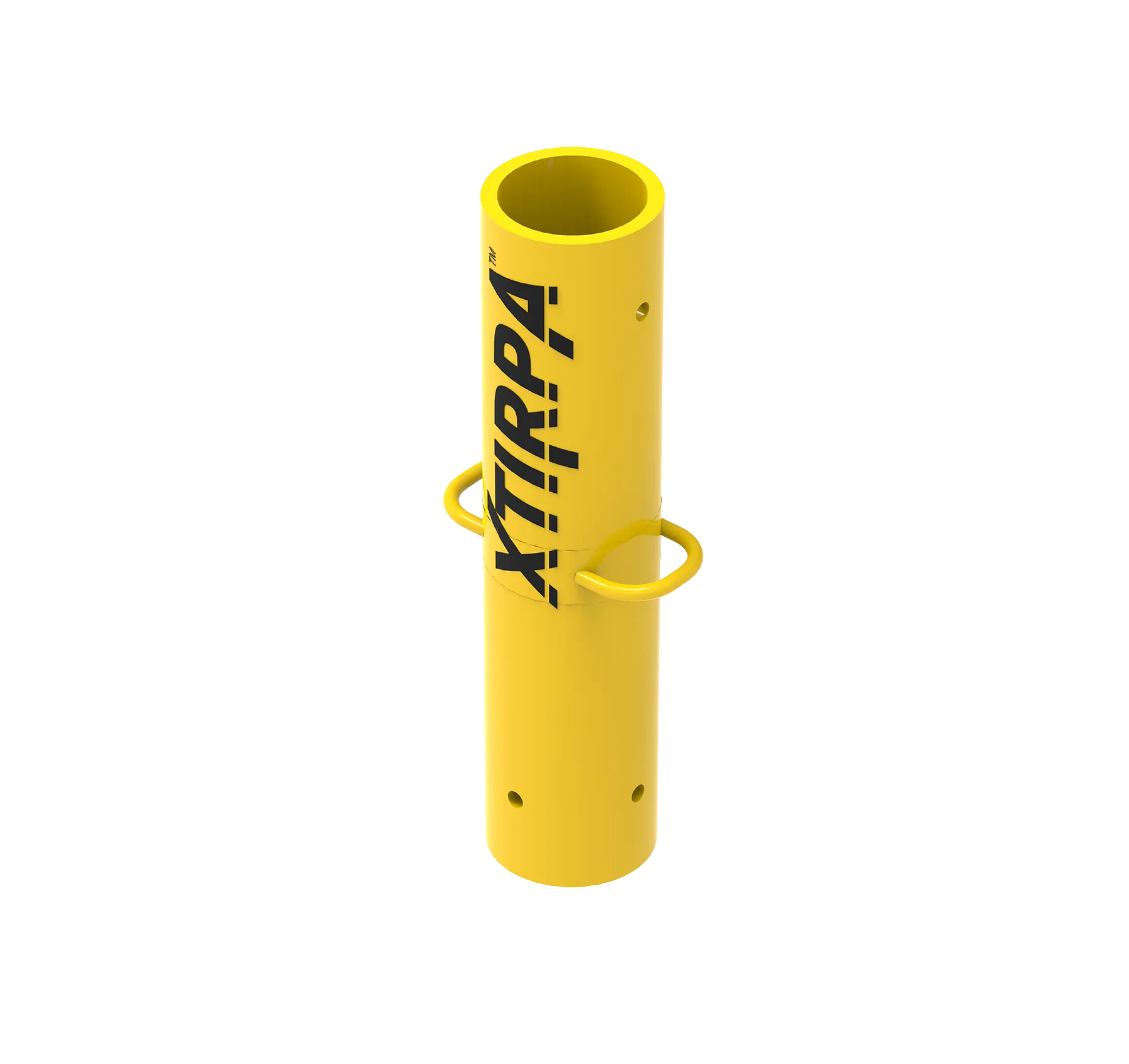
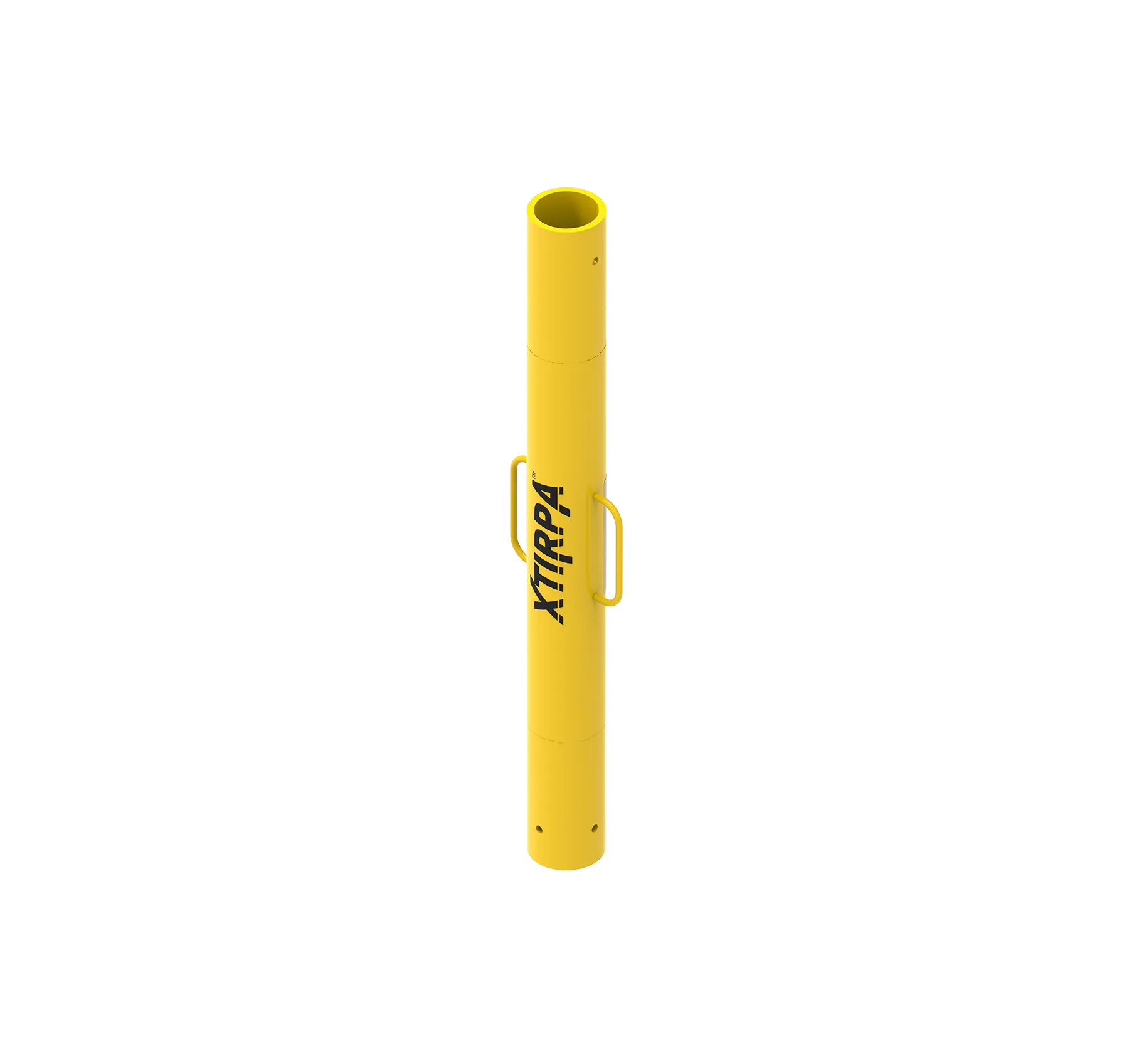
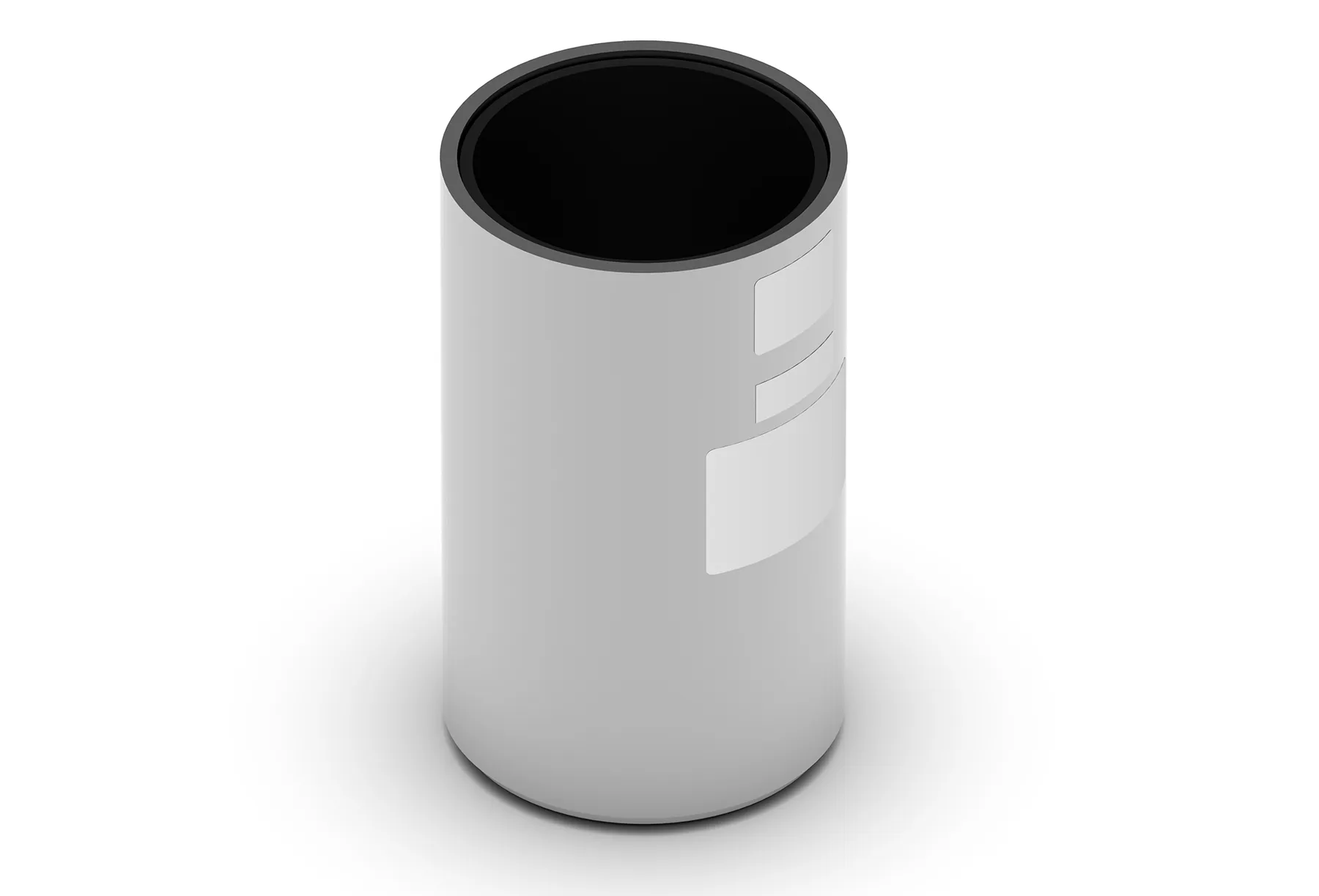
Universal Mast with Extensions
The universal mast is suitable for a variety of fixed floor and wall adapters. The mast and davit arm can rotate 360° during evacuation. The mast can also be extended using extension pieces.
SRL / Winch Compatibility
The IN-8006 is compatible with various winches, including the Xtirpa™ personnel winch IN-2477. Several mounting brackets are available for a wide range of fall arrest blocks with evacuation handles.
Strong Anchor Point for 3 Persons
The davit arm anchorage is designed for a safe working load up to 164 kg and a minimum breaking strength of 16 kN, complying with EN, OSHA, ANSI, and CSA standards. The system is certified for up to three persons under CEN/TS 16415. The steel D-anchor at the bottom of the arm has a breaking strength of 22 kN. Two adapters are available for attaching an SRL and personnel winch.
Tool-free assembly, secured with safety pins.
Tool-free assembly, secured with safety pins.