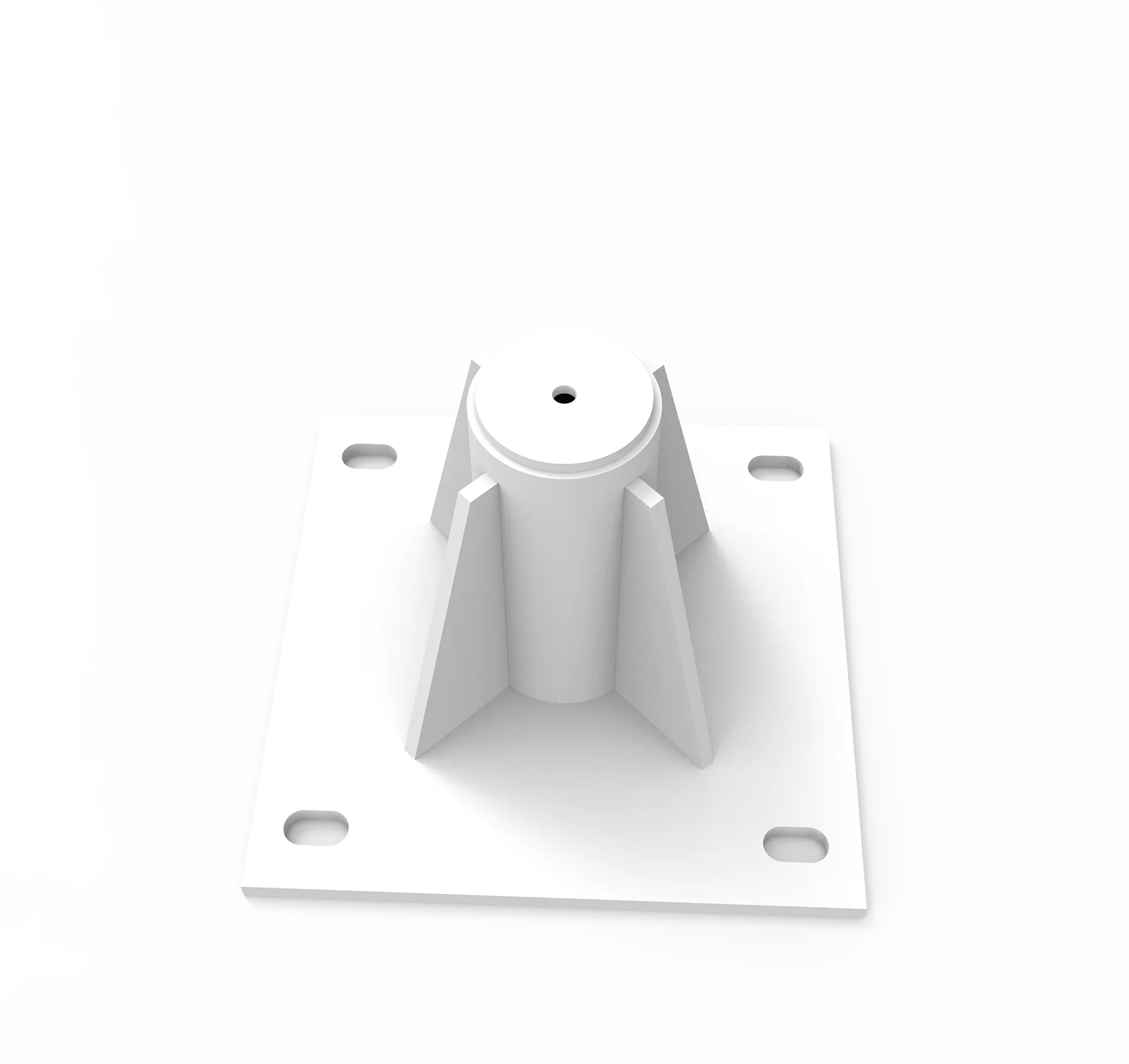
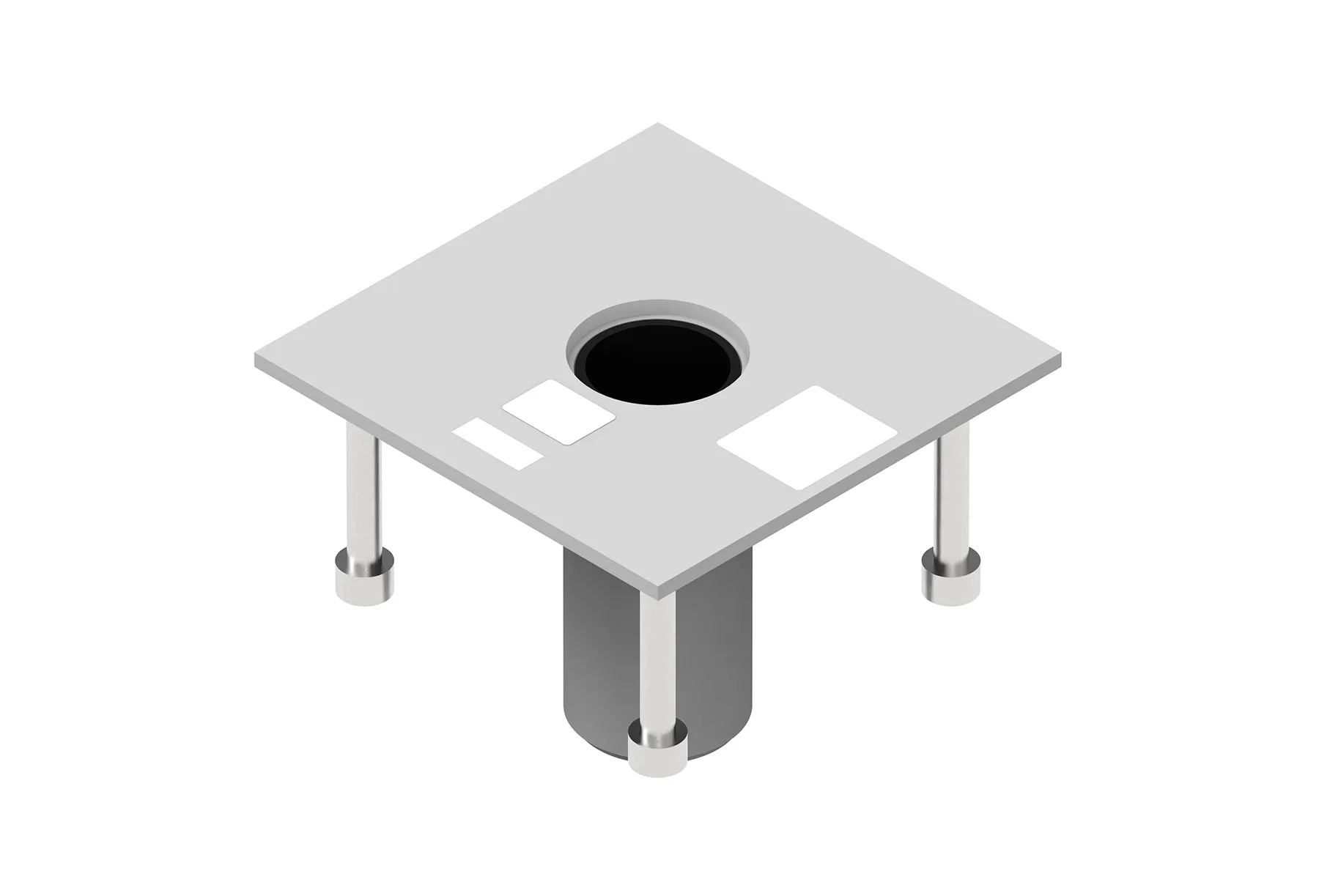
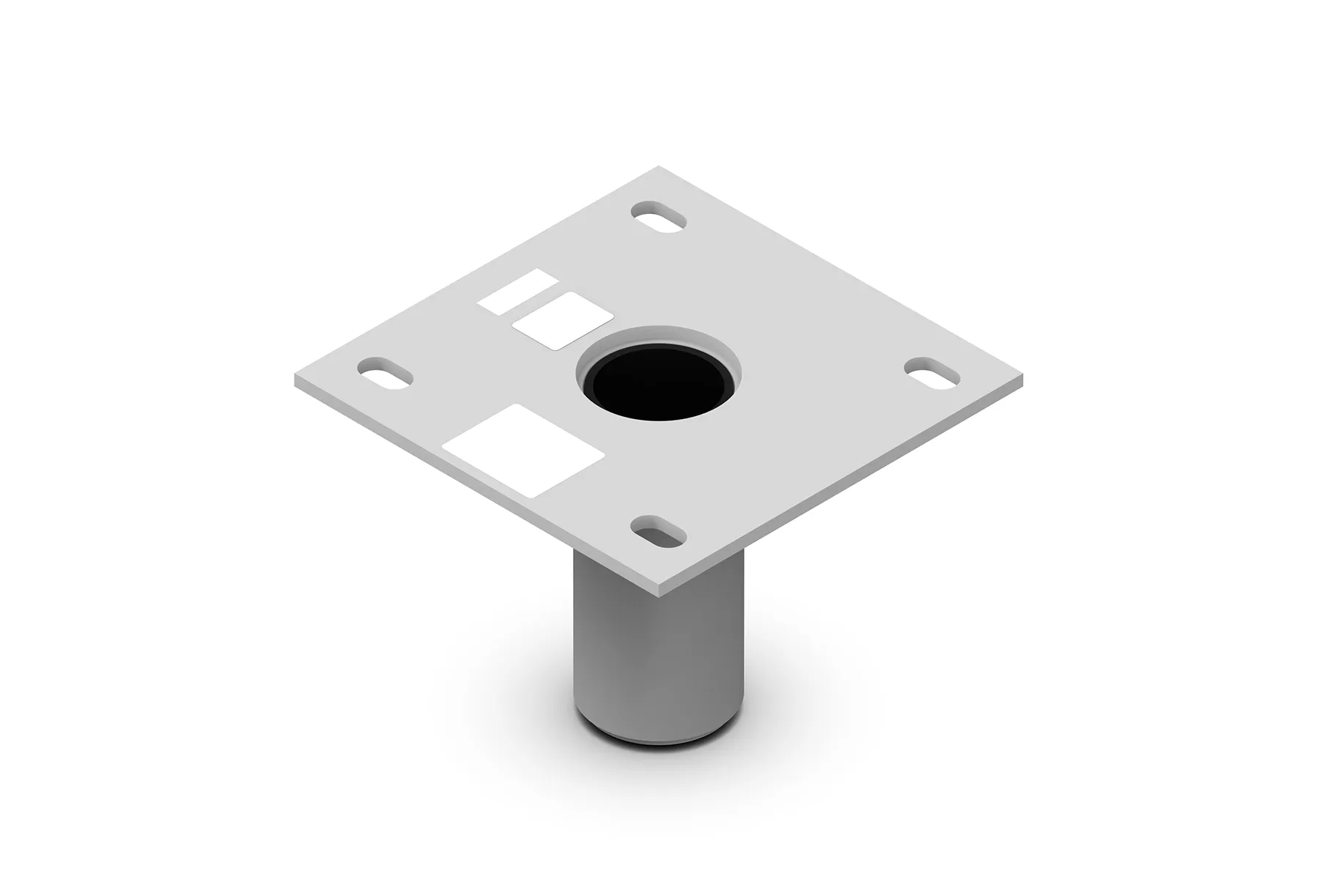
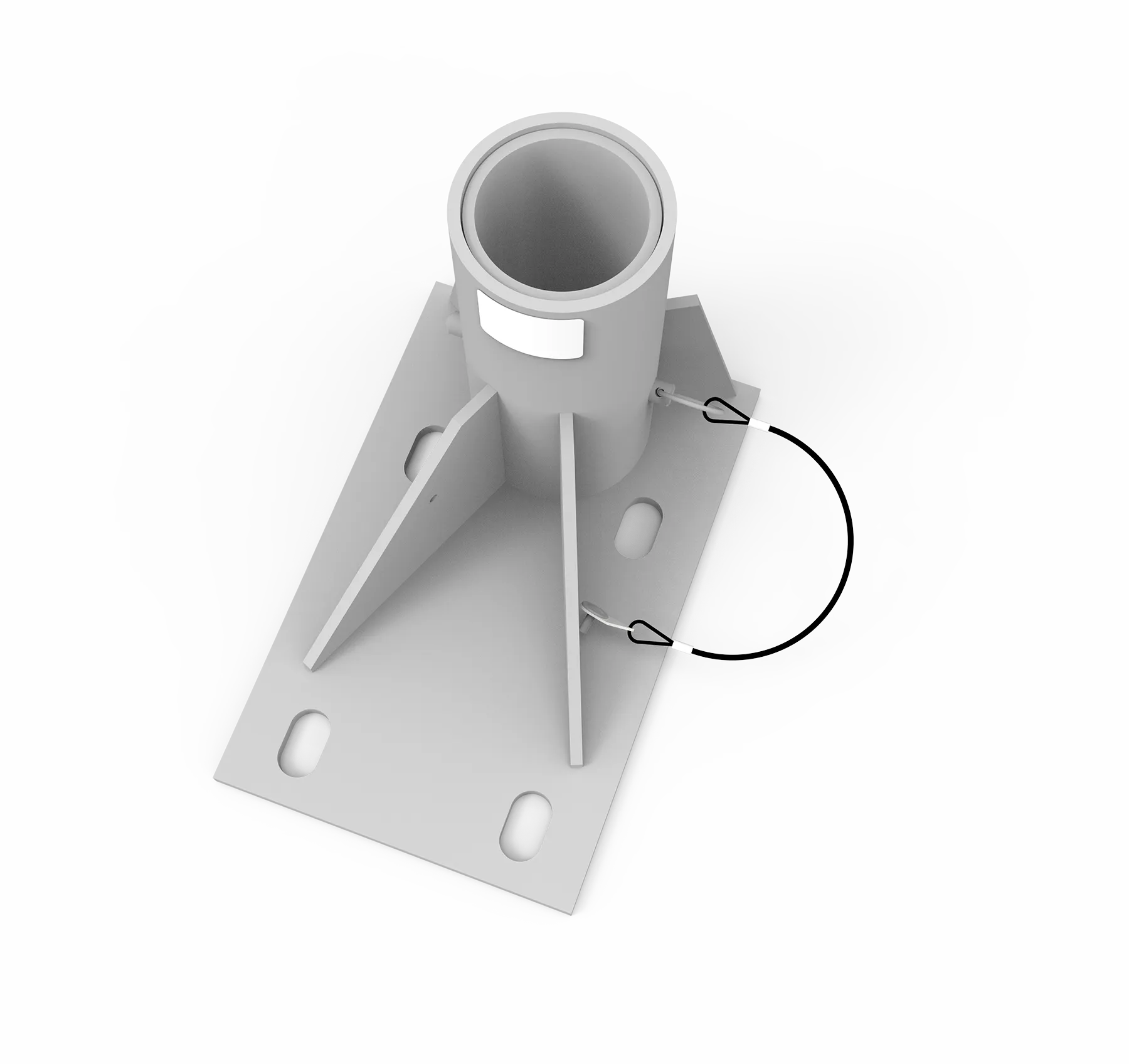
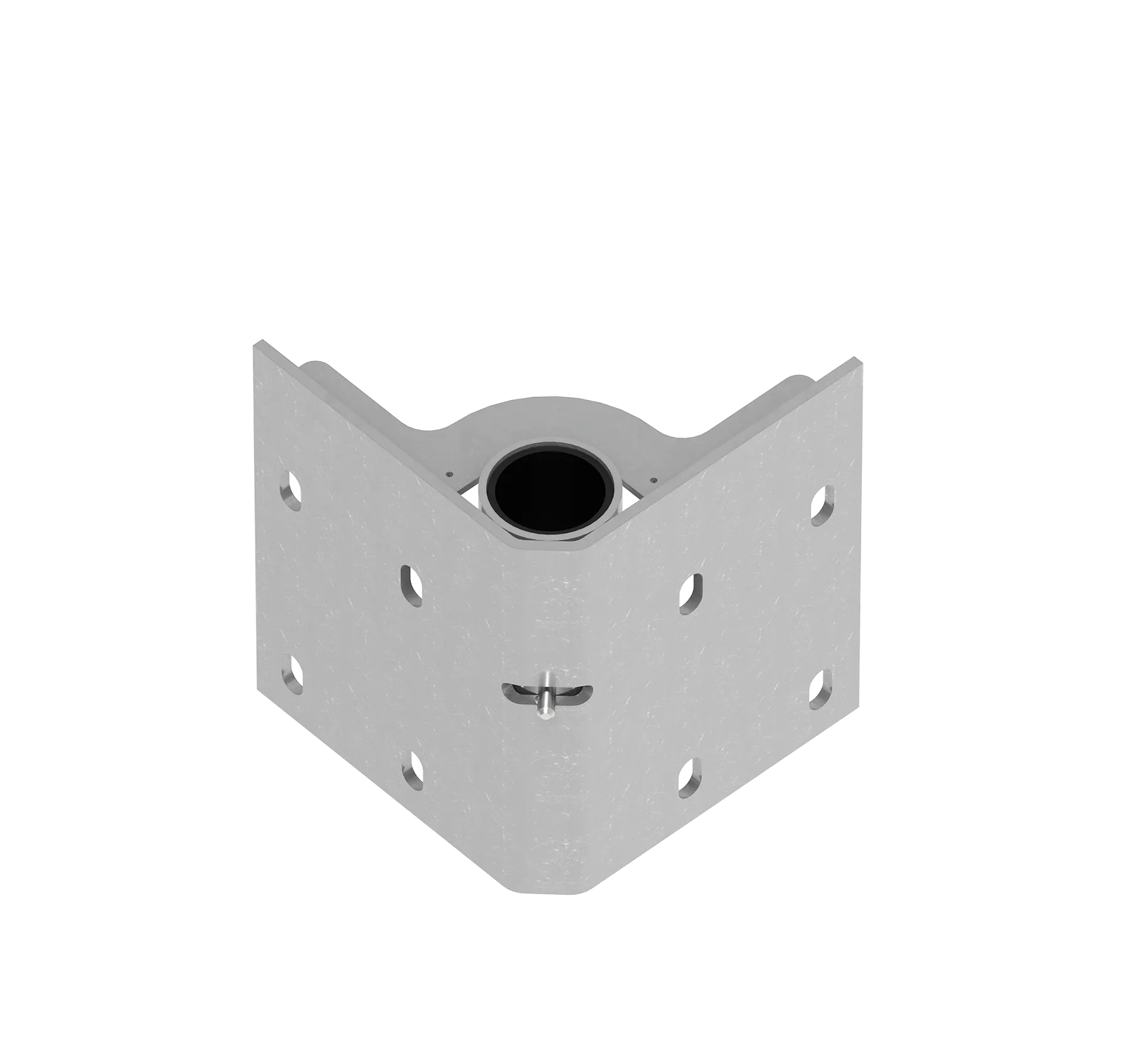
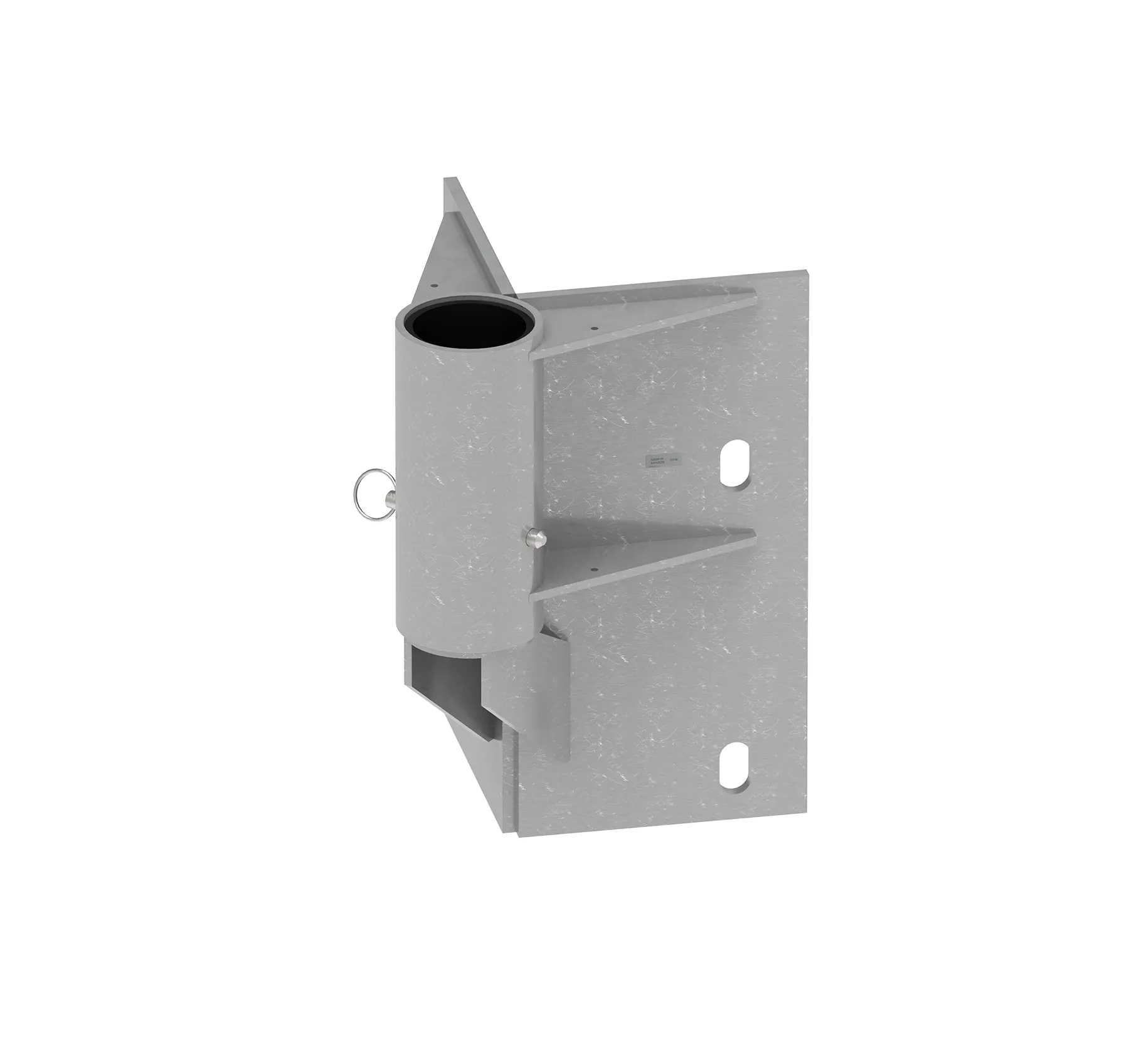
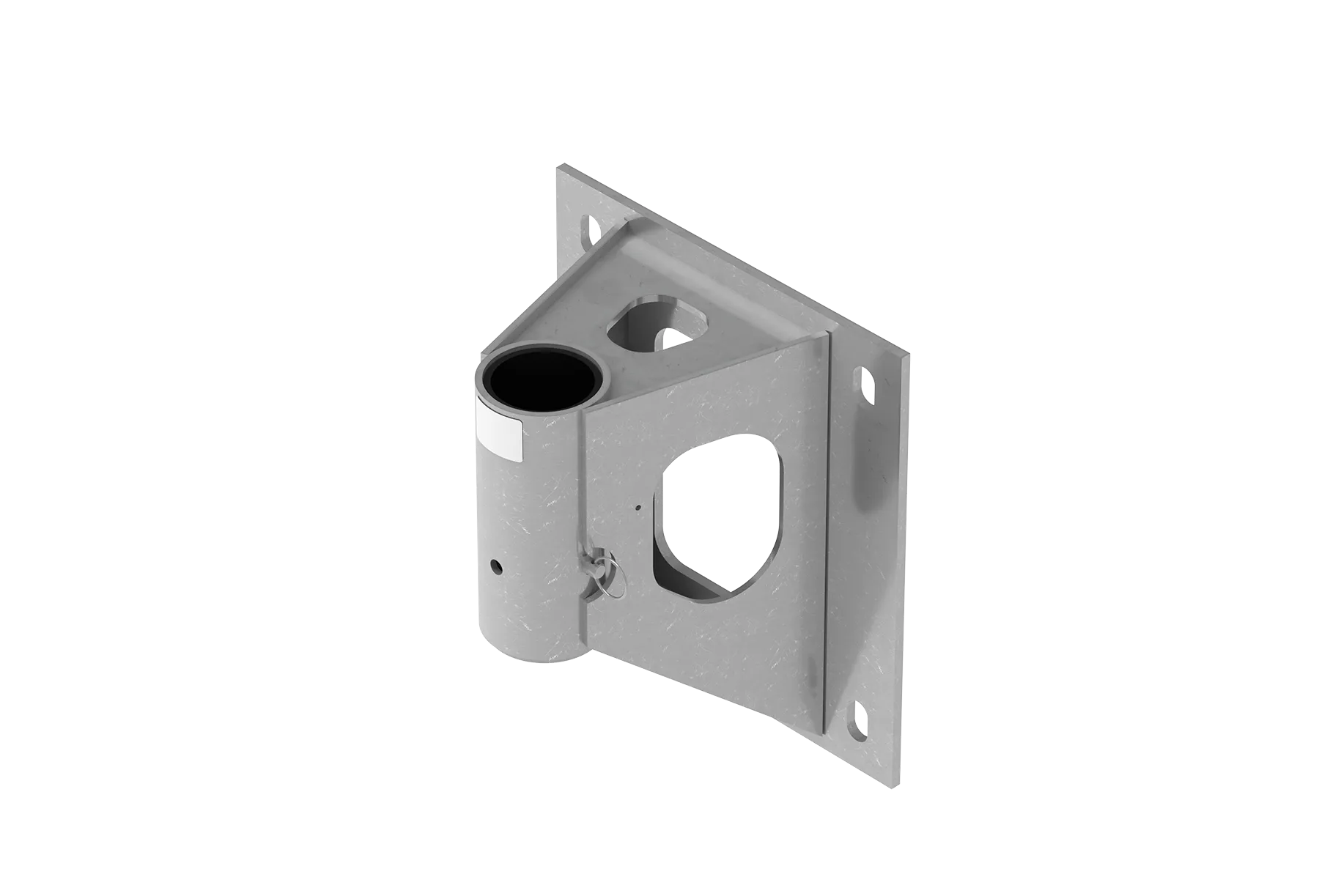
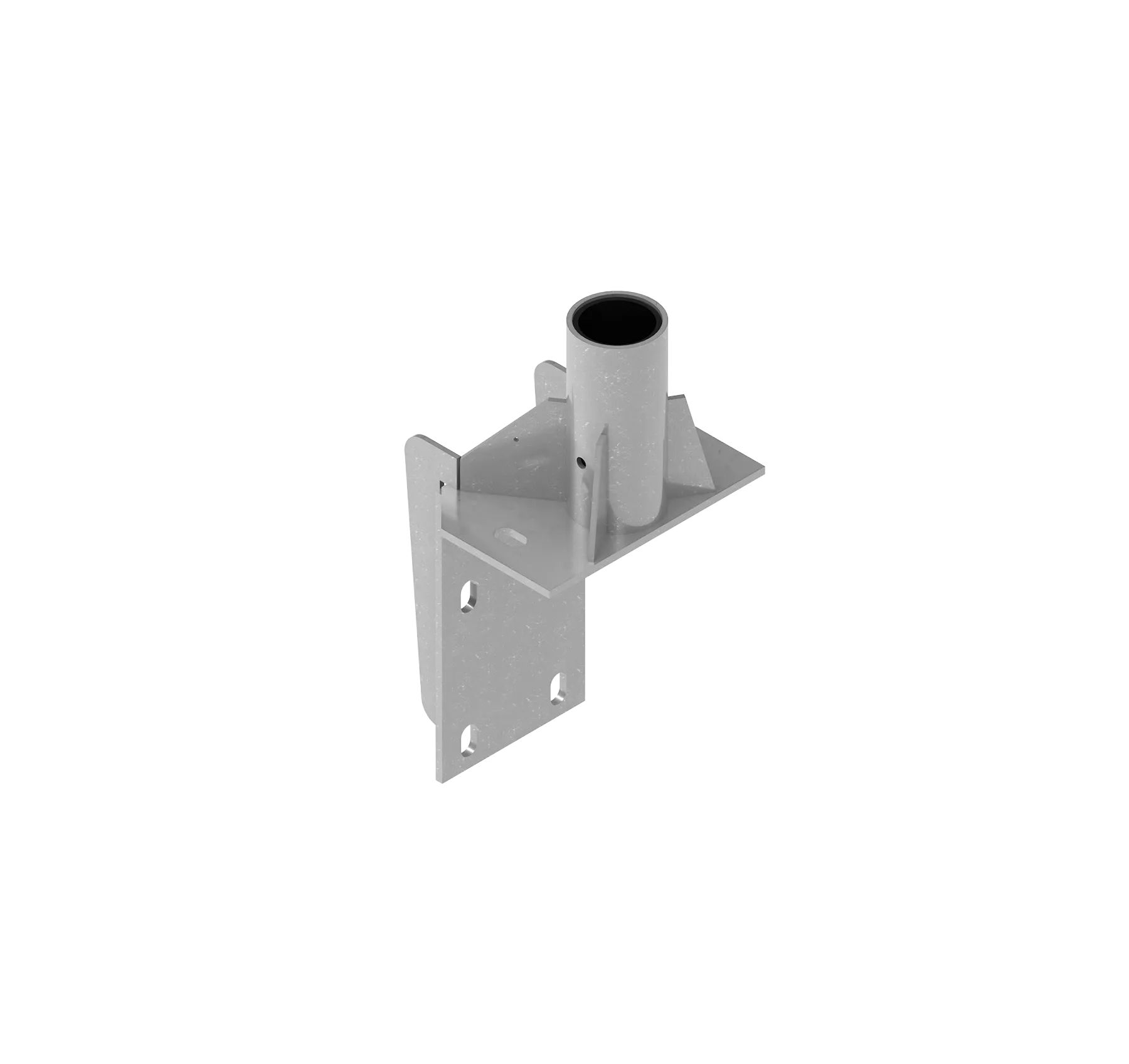
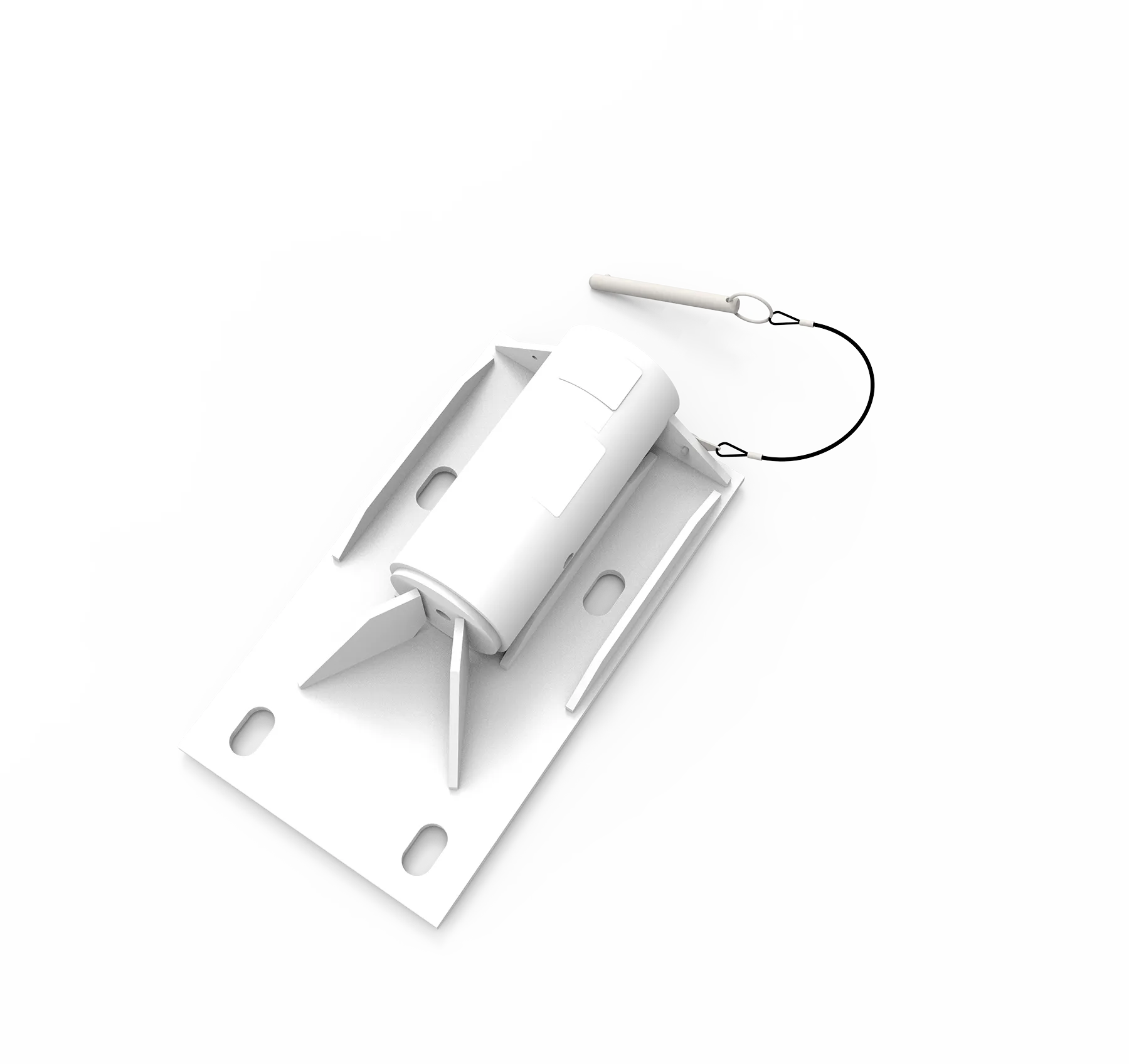
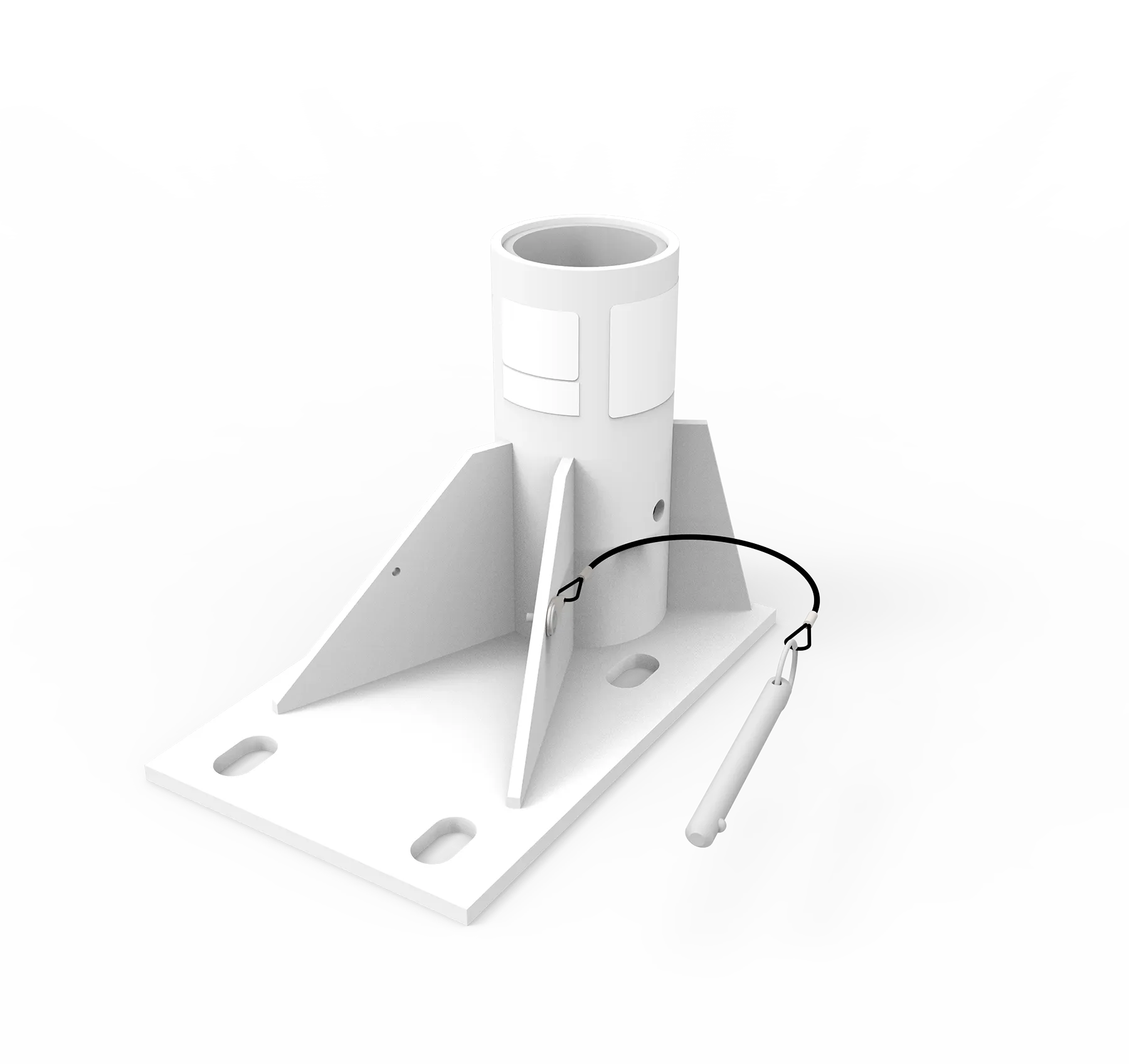
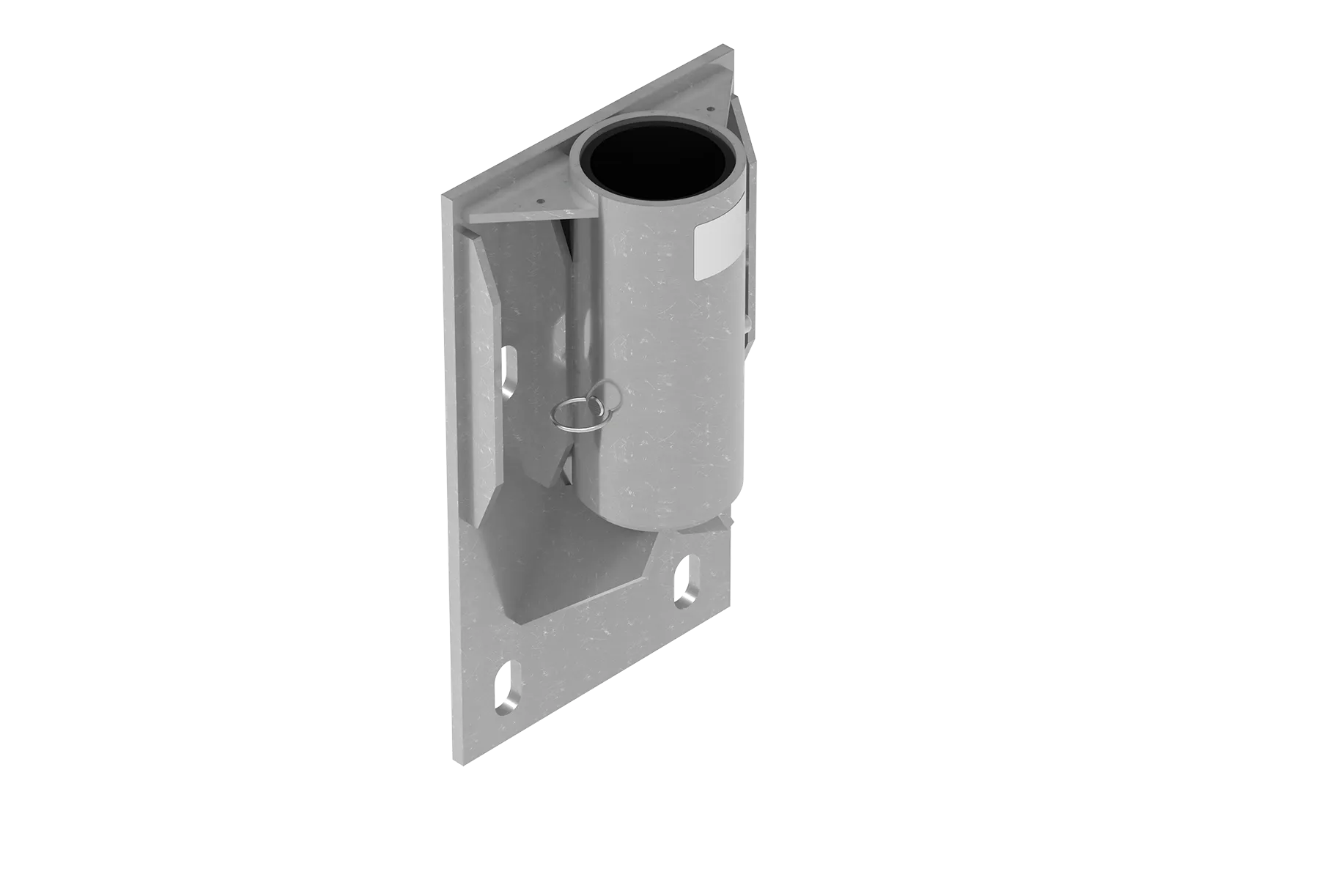
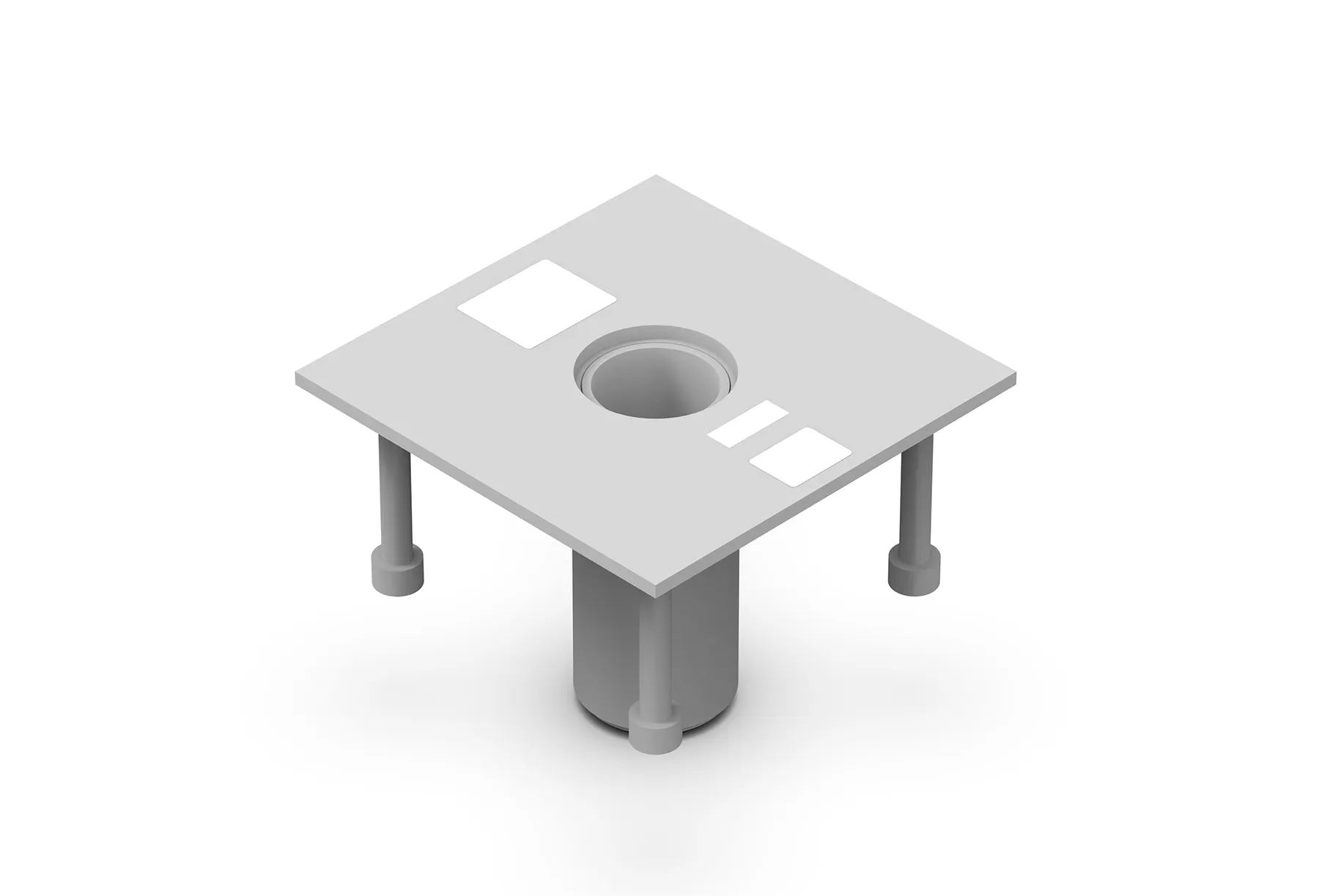
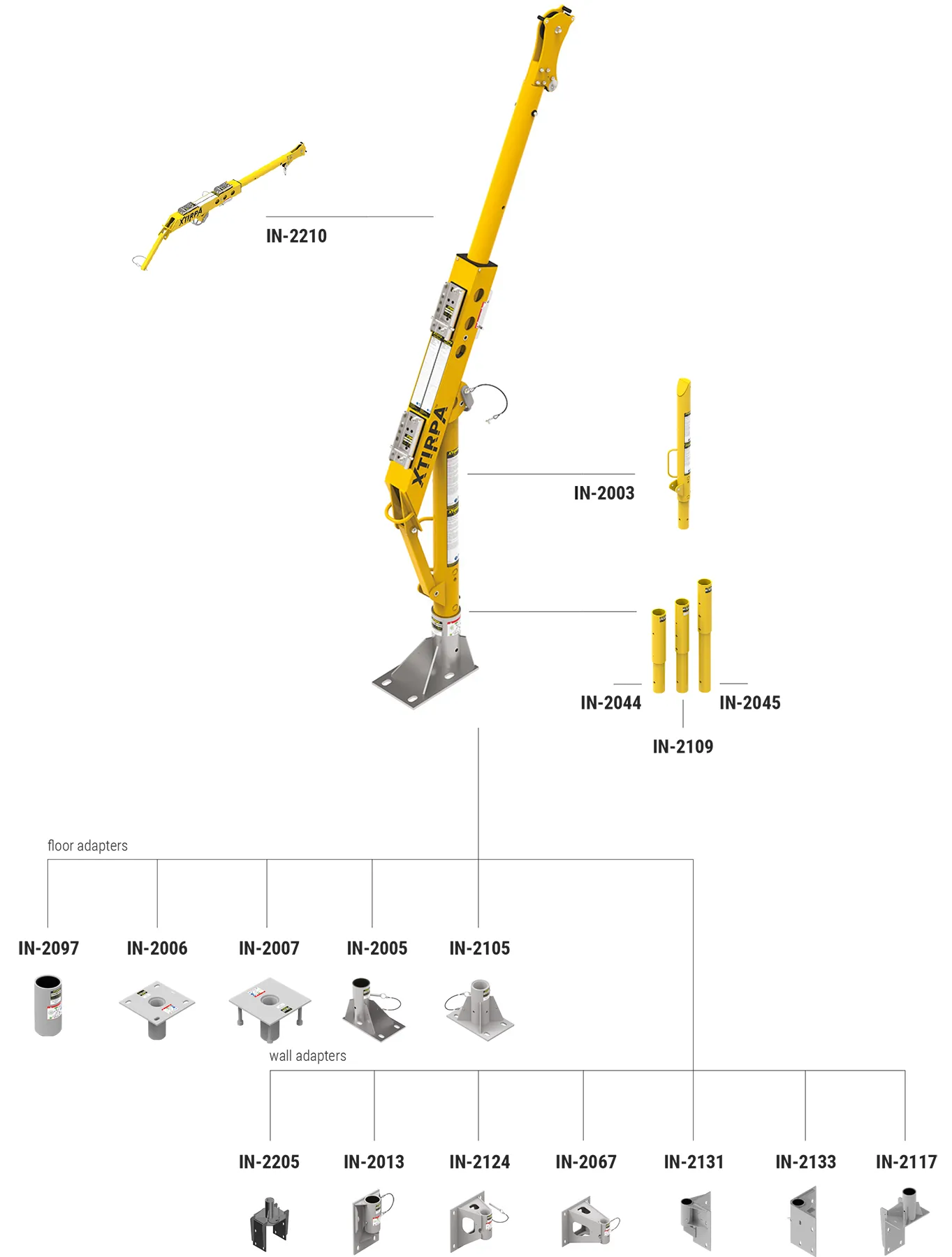
Customized Adapters Depending on the Structure
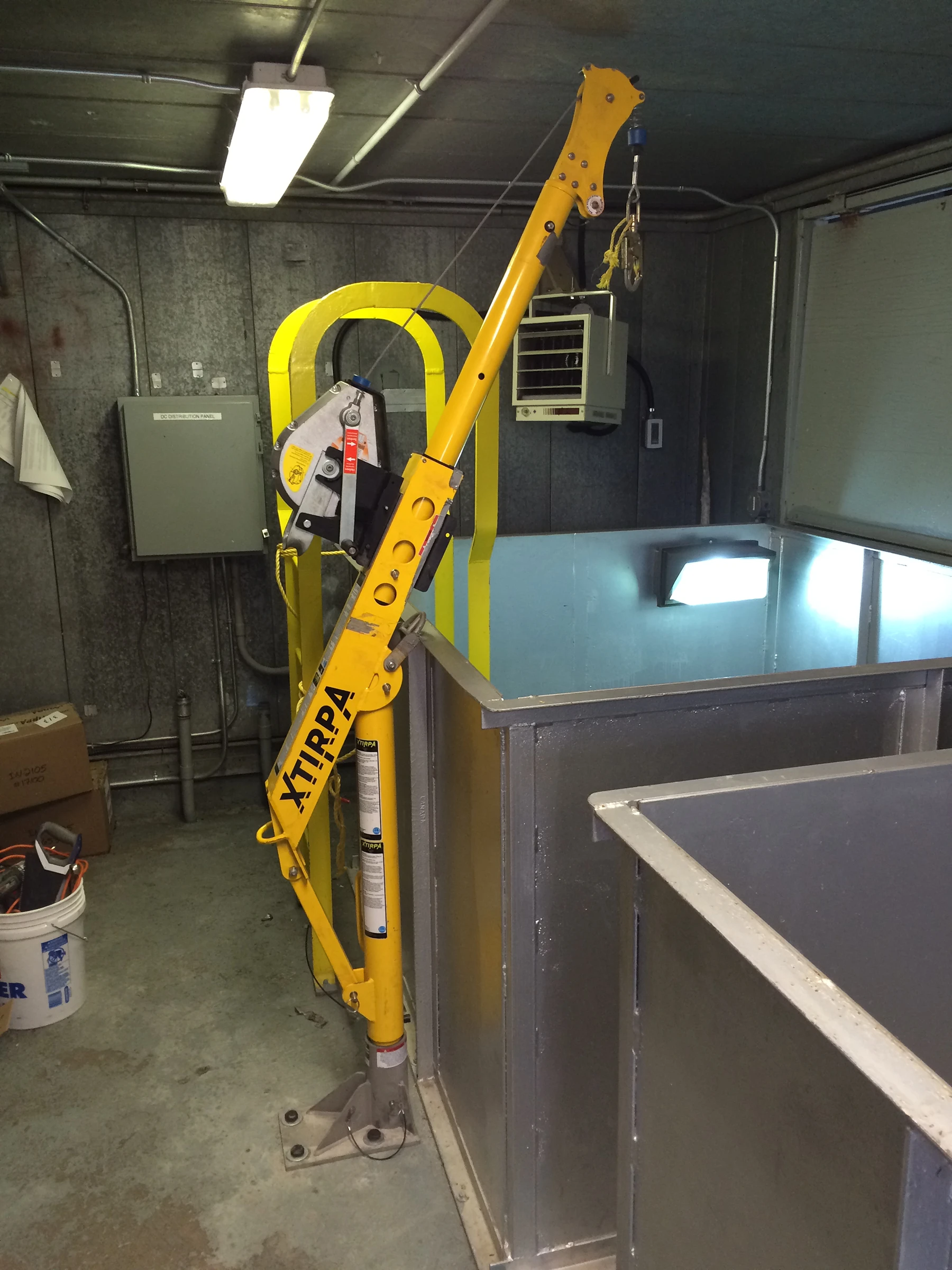
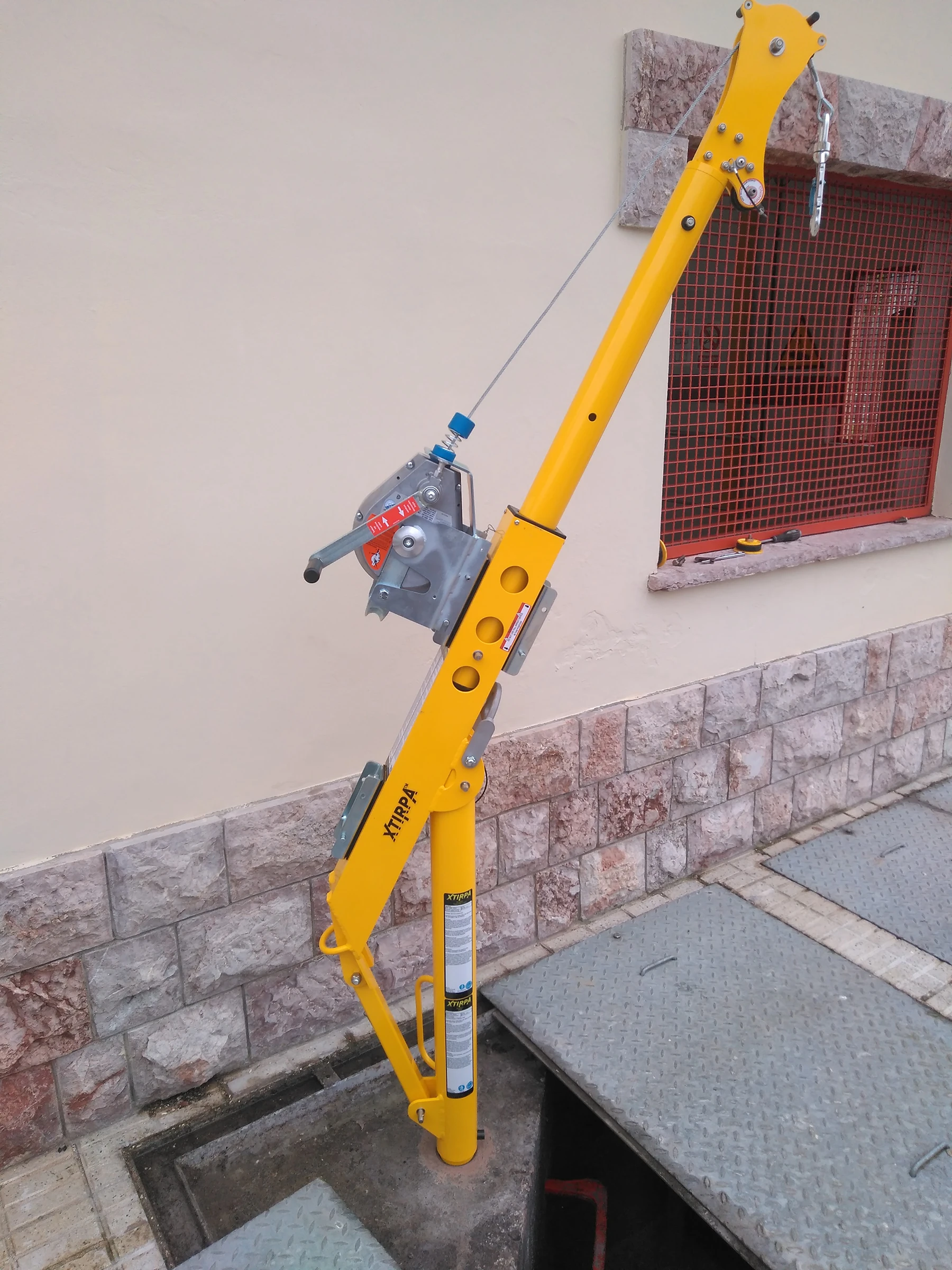
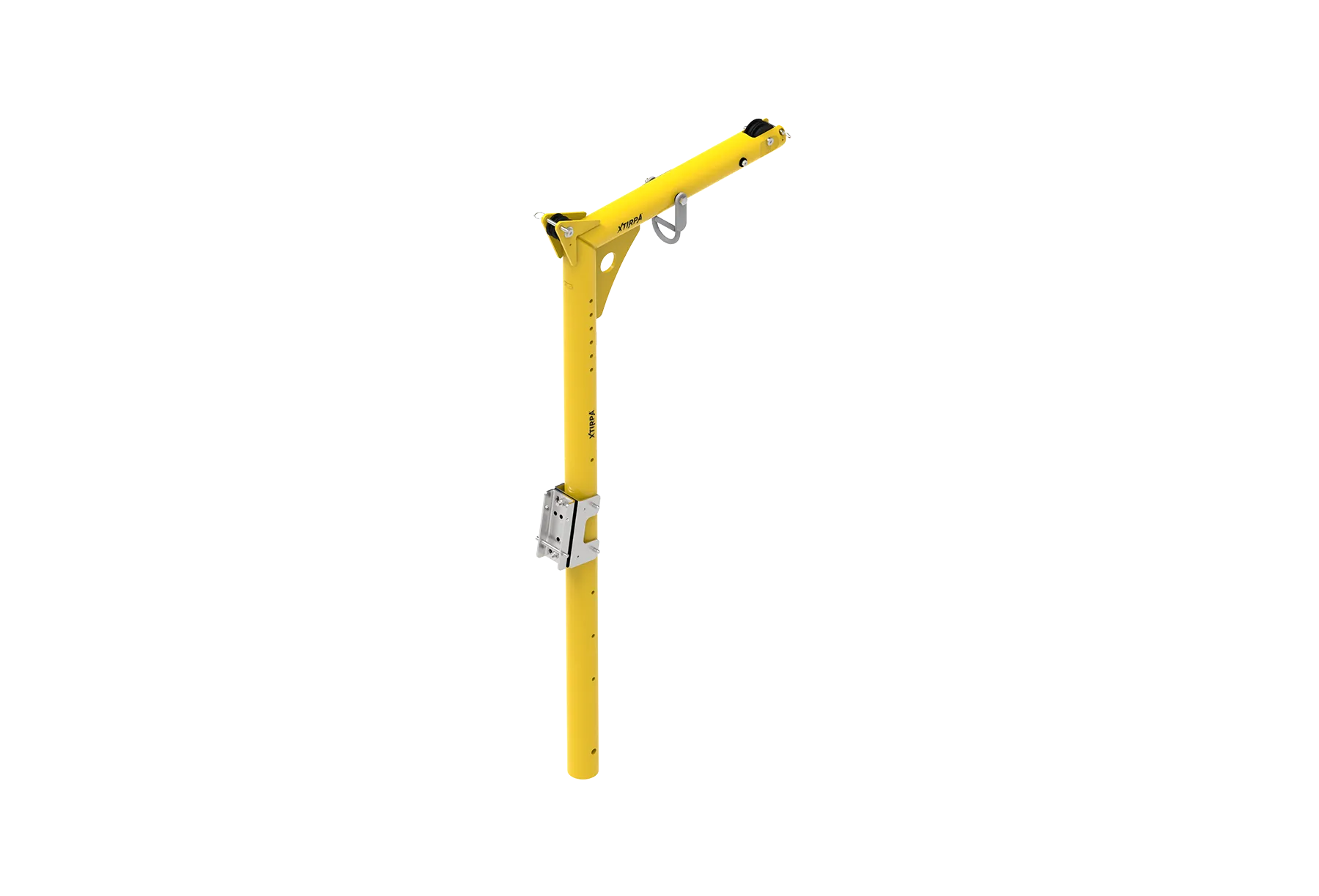
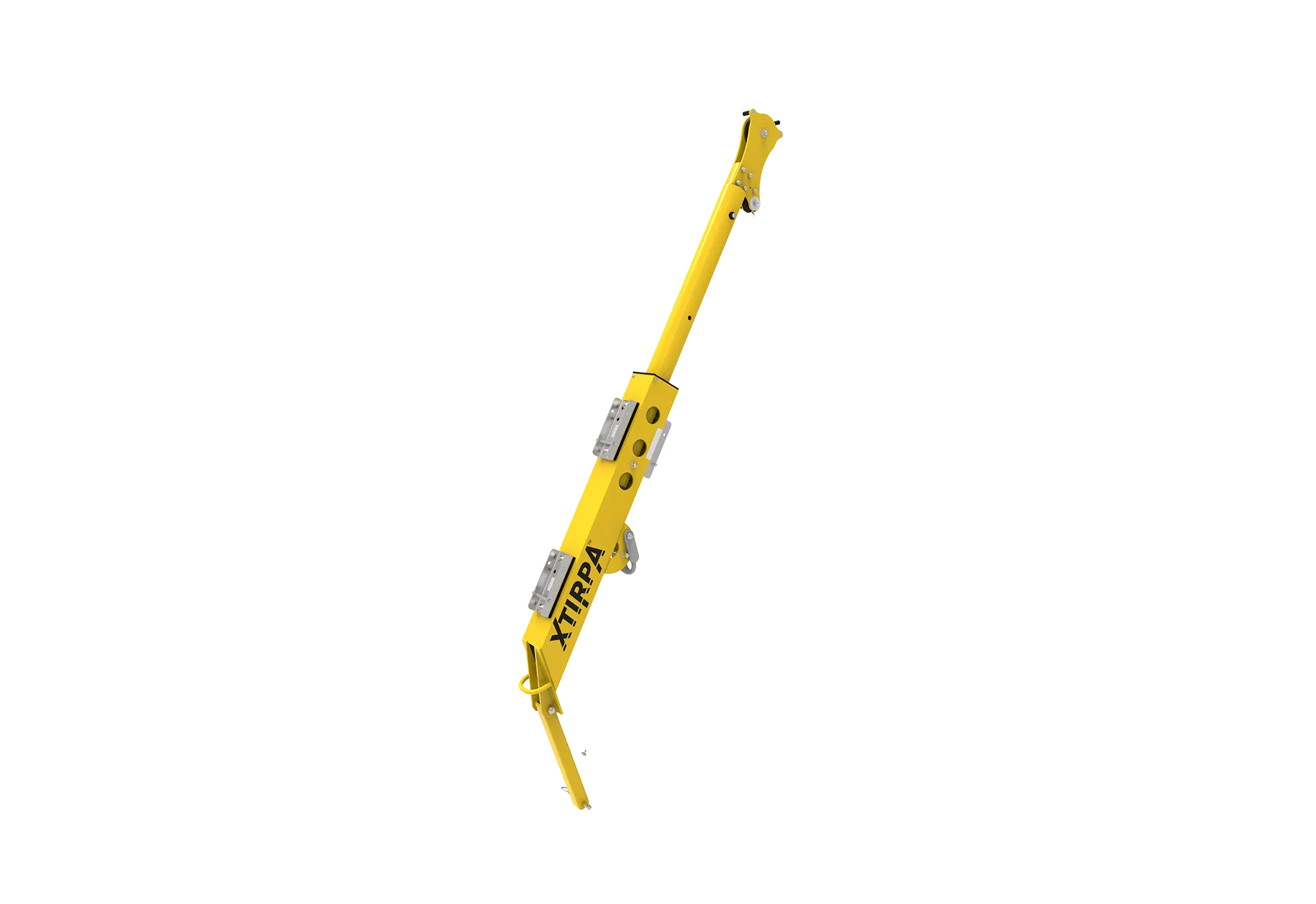
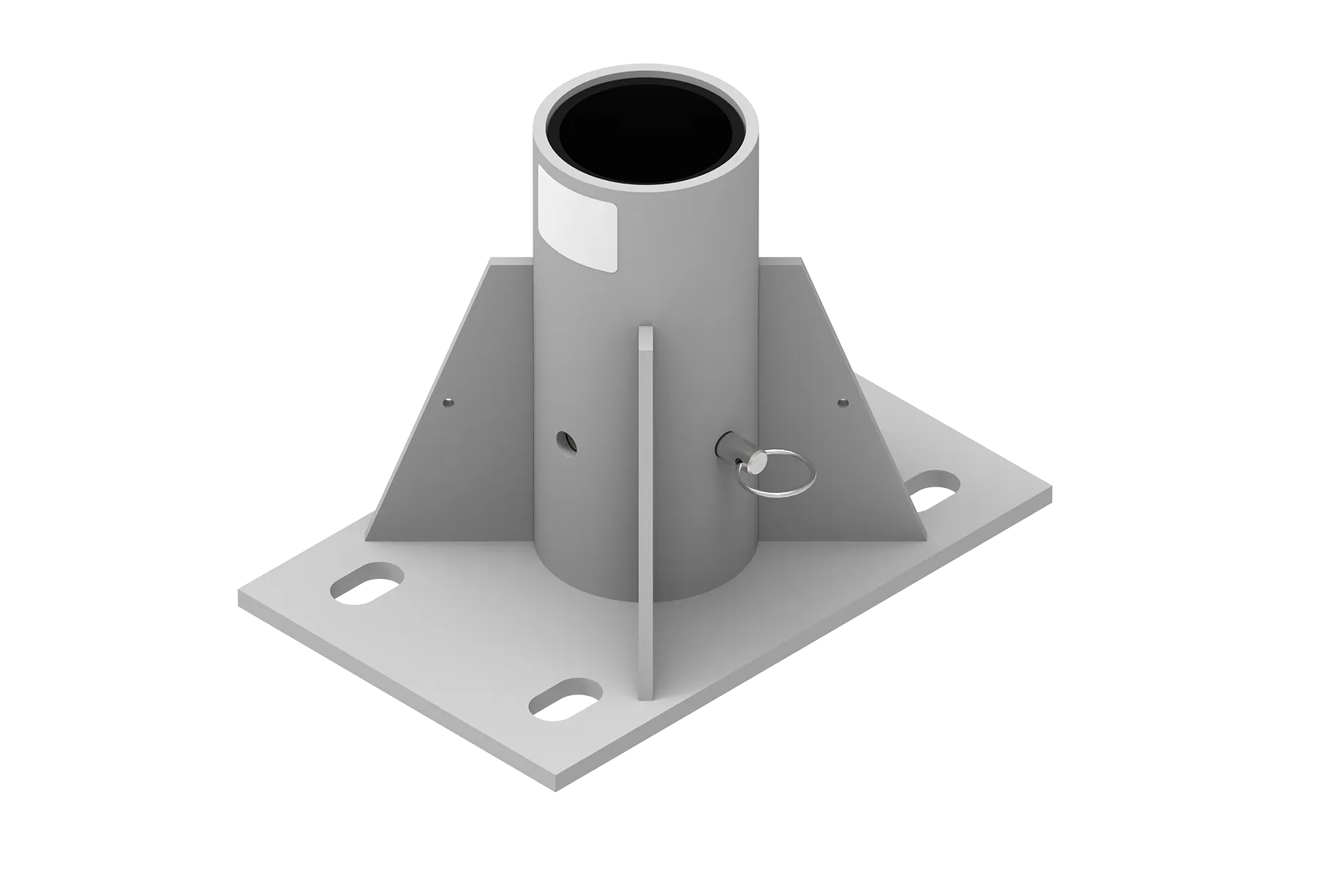
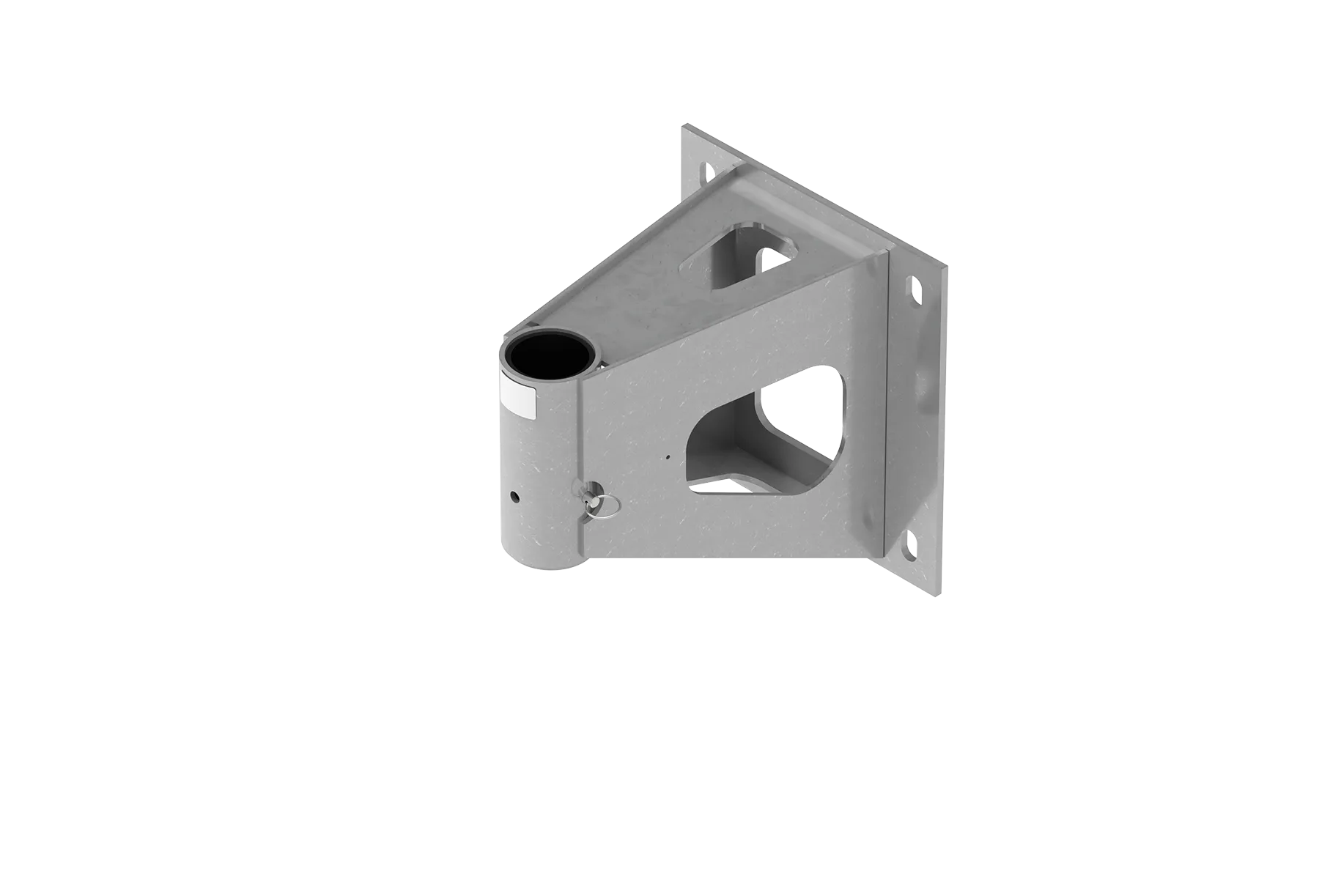
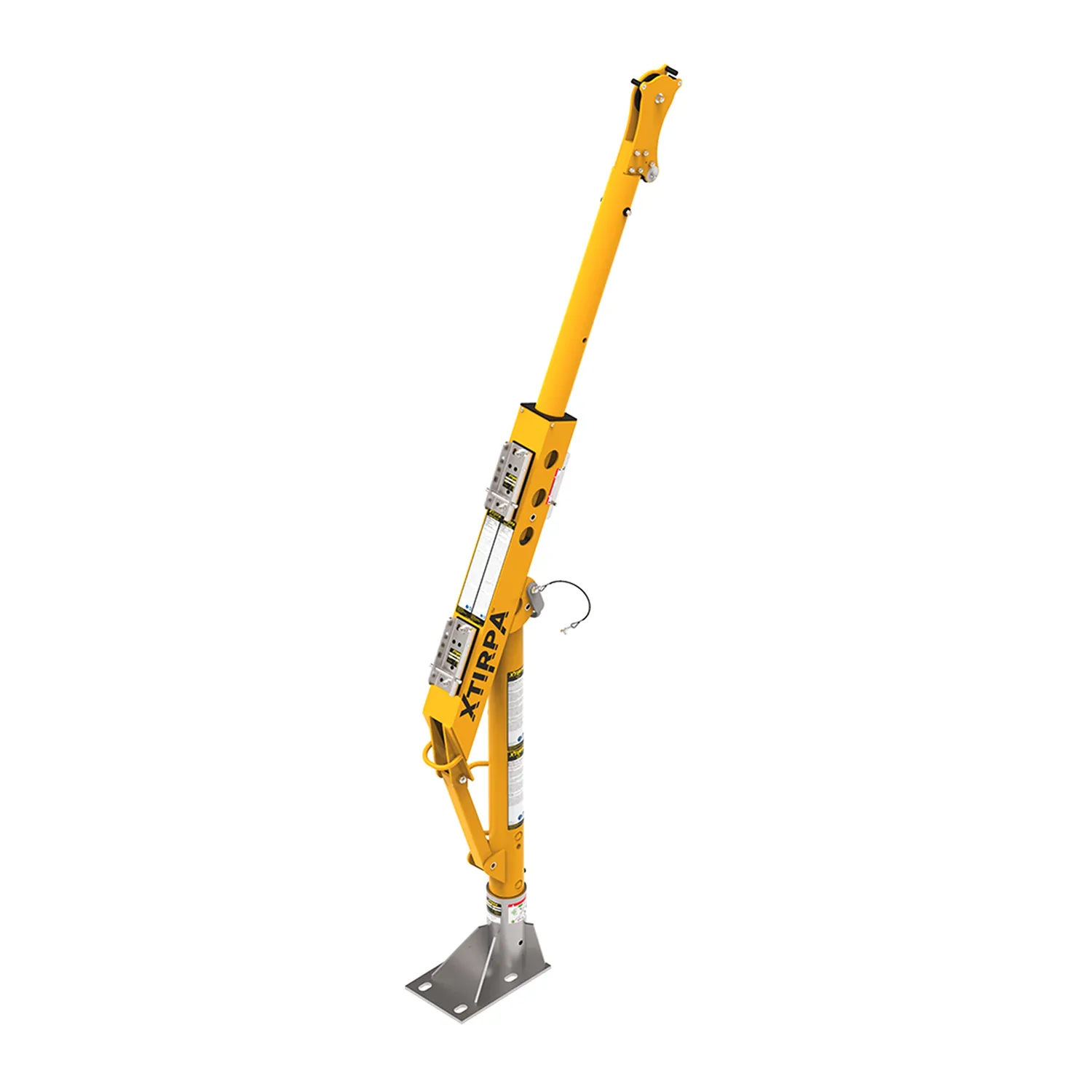
The IN-8003 system consists of the IN-2003 mast, an IN-2210 davit arm, and can be combined with various floor or wall adapters. It is ideal for vertical entry into confined spaces where there is a possibility to anchor a fixed adapter to a wall or the floor. The mast (10kg) and arm (16kg) can be carried separately.
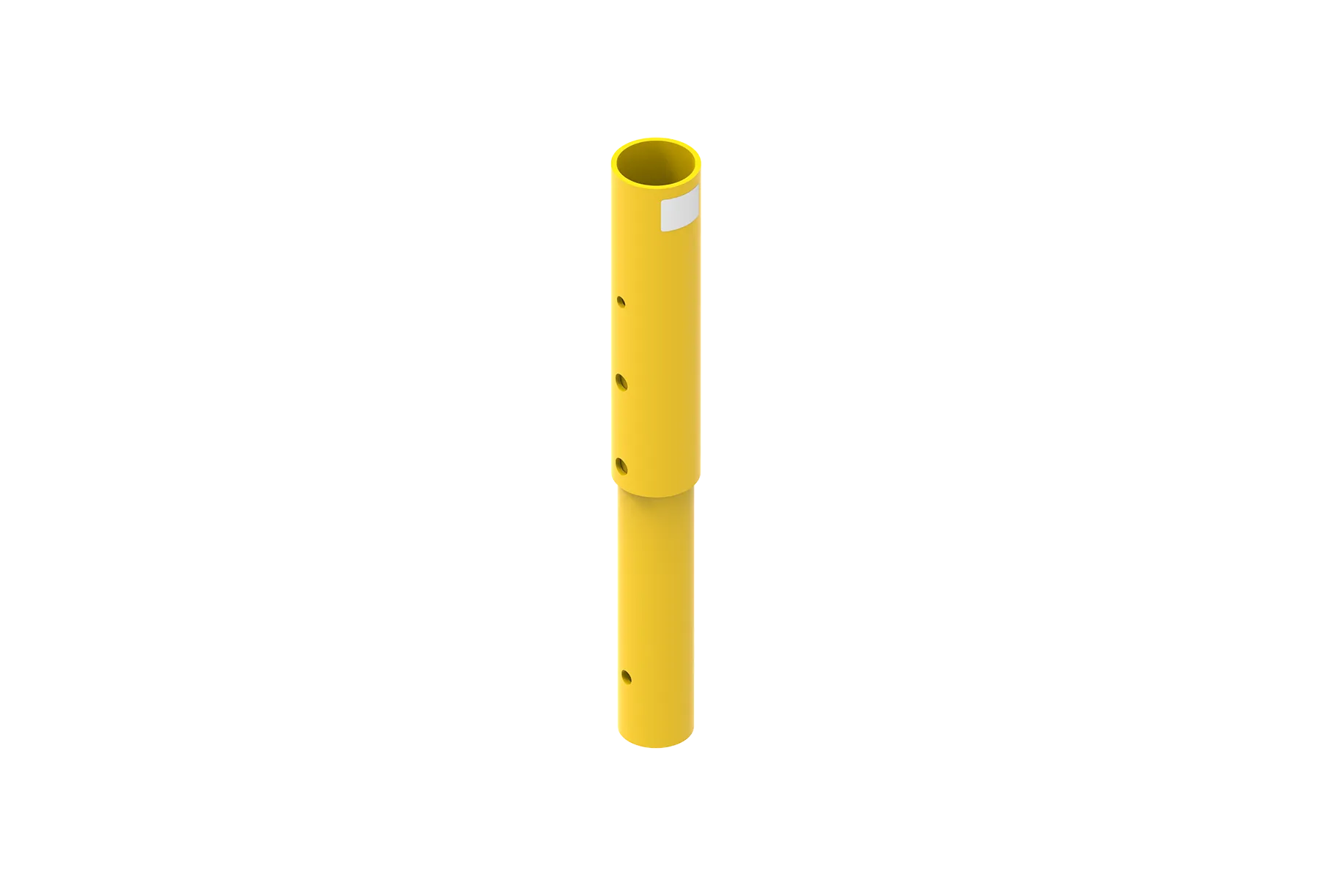
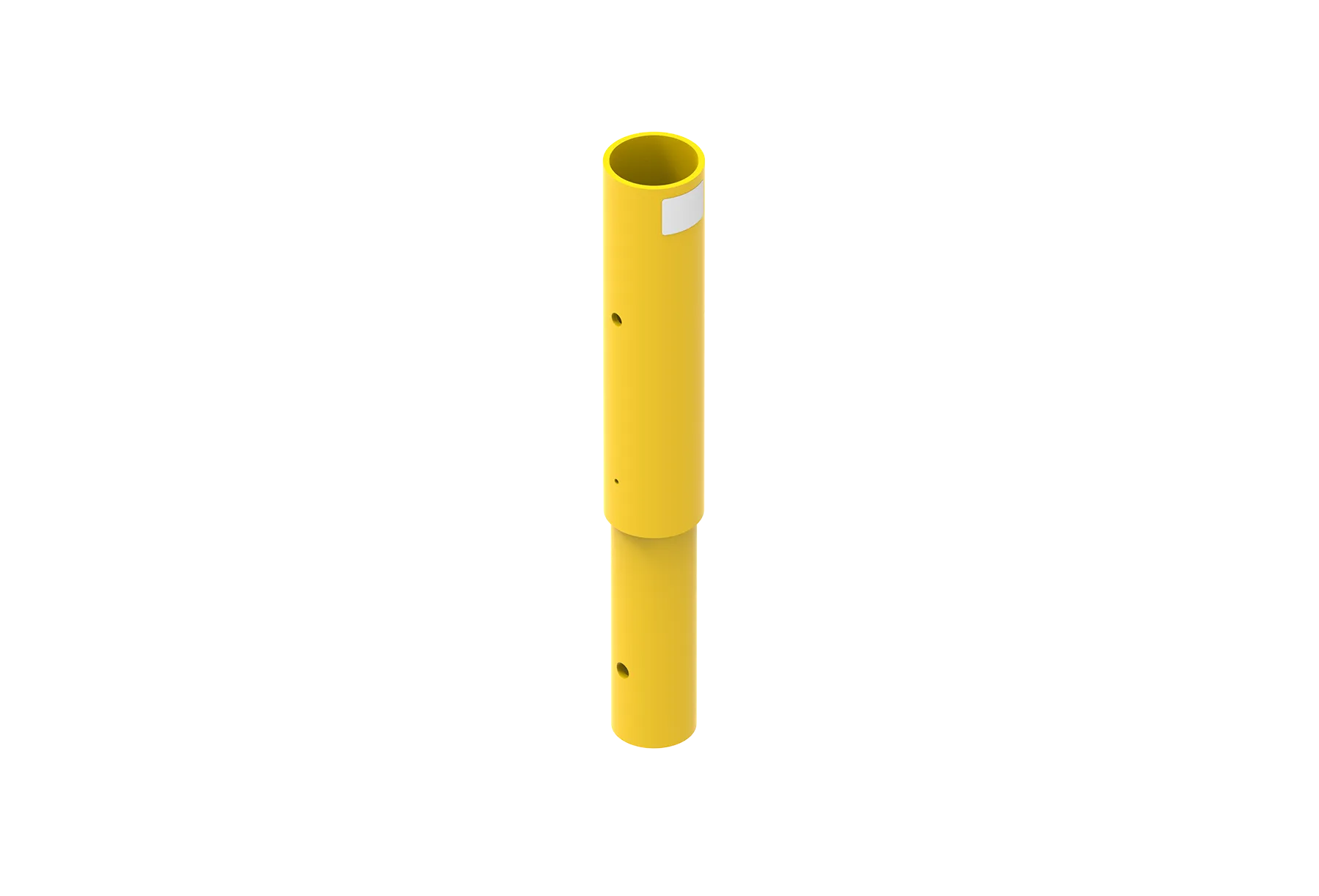
Universal Mast with Extensions
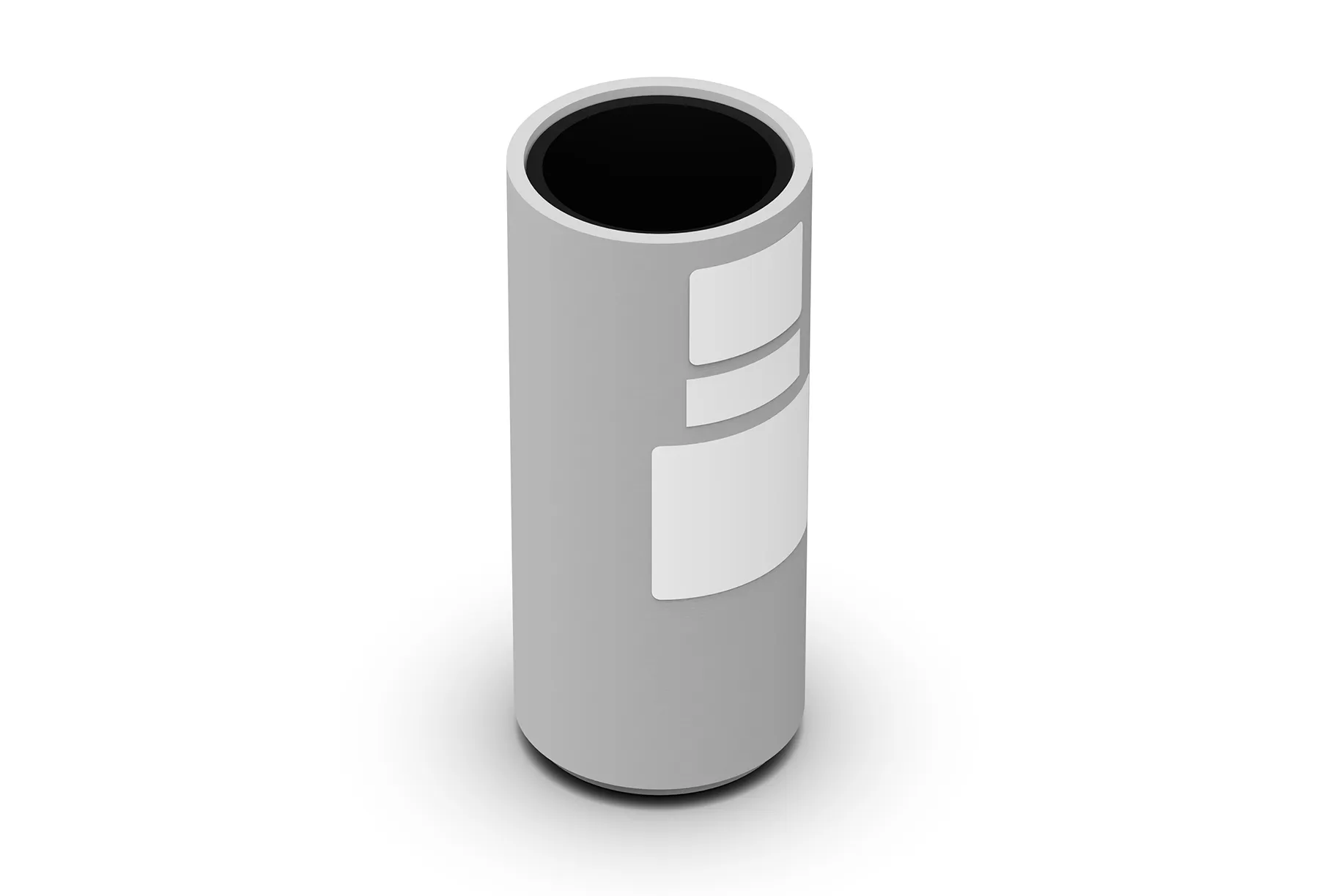
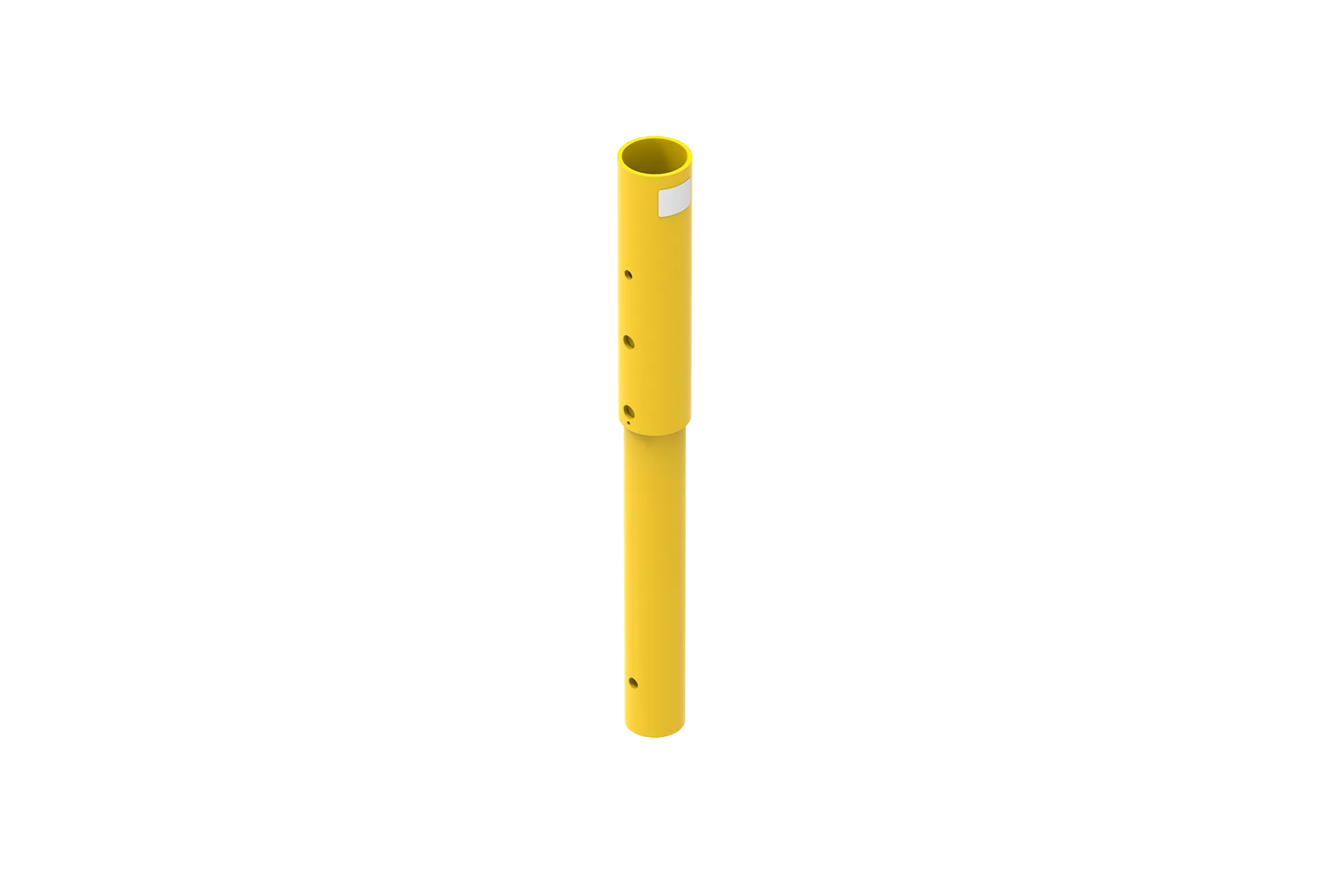
The universal mast is compatible with a large number of mobile and fixed adapters (floor, wall, corner), providing a modular solution for various setups. The mast and davit arm can be rotated 360° during evacuation. The mast can be extended with extension pieces, and the SRL can be mounted lower on the davit arm to allow operation of the evacuation handle in case of an emergency.
SRL / Winch Compatibility
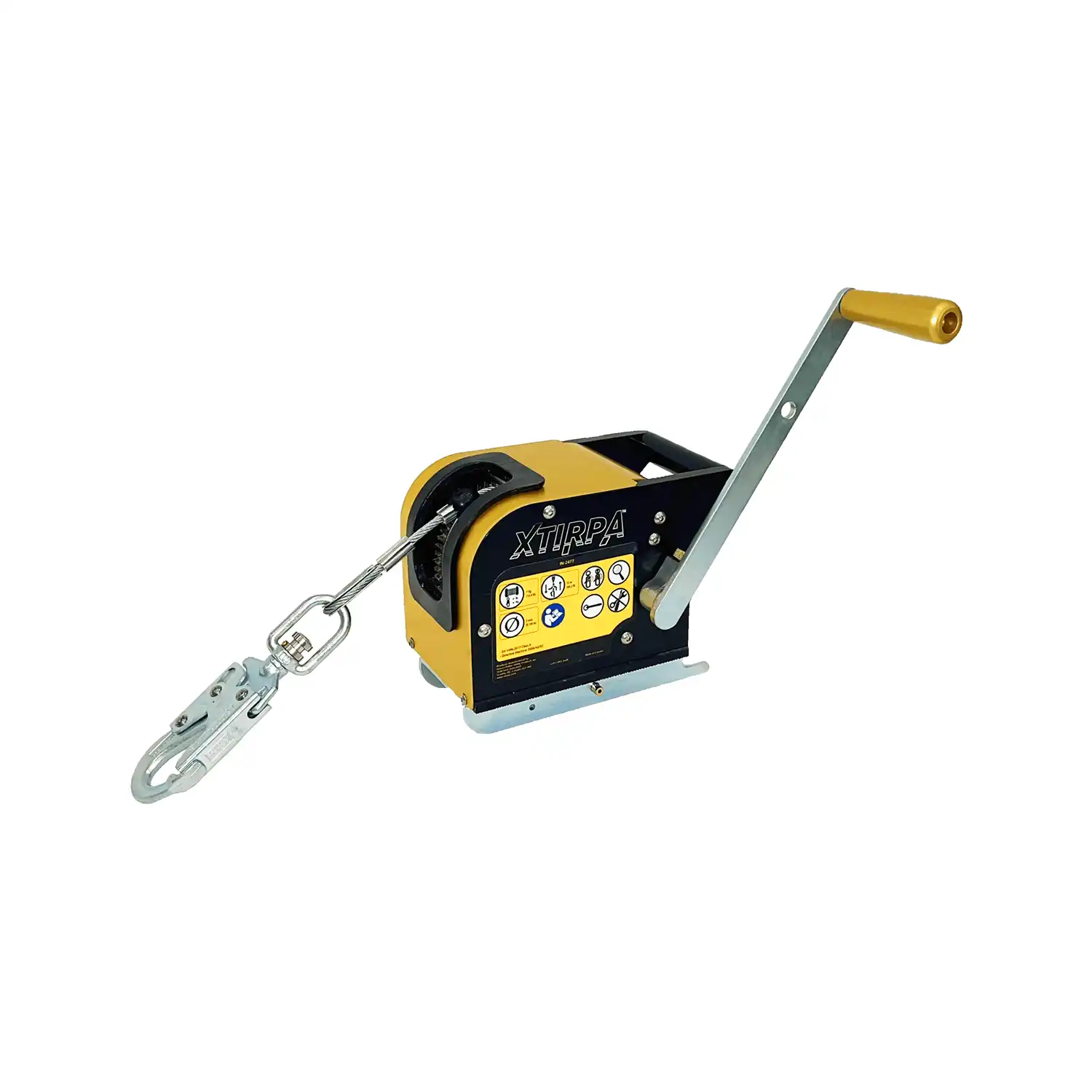
The IN-8003 is compatible with various winches, including the Xtirpa™ winch IN-2477. There are several mounting brackets available for a wide range of SRLs.
Strong Anchor Point for 2 Persons
The access system is designed for a safe working load up to 164 kg and has a breaking strength of 16.30 kN, making it compliant with EN, OSHA, ANSI, and CSA standards. The system is certified according to CEN/TS 16415 for up to two persons. The steel D-anchor in the center of the arm has a breaking strength of 22 kN.
Fast, Intuitive Installation and Relocation
The system can be installed in just a few minutes and without tools: the mast is placed on the adapter, and the davit arm is positioned on the mast using safety pins.